14
GB
System Settings
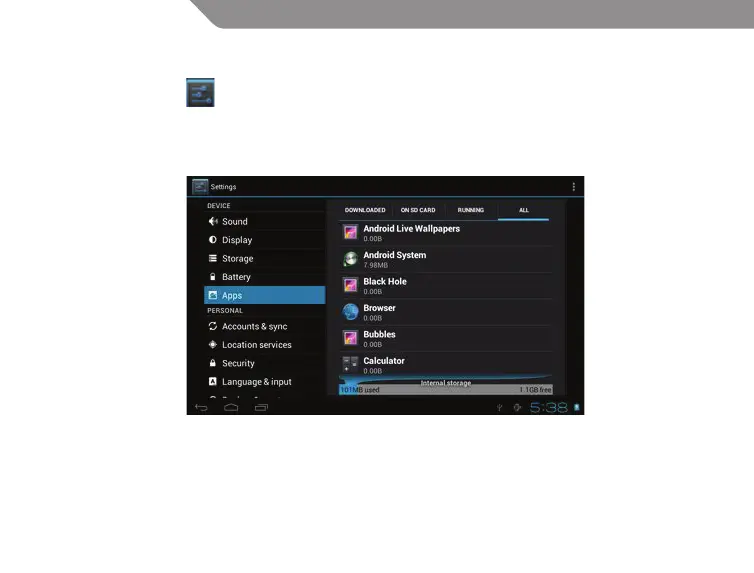
Click Settings icon to enter system settings, then you can access Wireless&networks, Sound,
Display, Storage, Battery, Apps, Accounts&sync, Location services, Security, Language&input,
Backup&reset, Date&time, Accessibility, Developer options and About tablet.
How can I change languages if I mistakenly choose an unknown language?
Find setting icon and access Settings. Choose icon to enter language&input setting, the rst option
is language setting.
How can I change input?
Access Setting – Language&input --, and set default input.


 To Next Page