6
GB
• Enjoy your media library anywhere
Portable powerhouse plays popular music, video, and photo formats
• microSD memory card reader
Increase your storage capacity (up to 32 GB supported)
• Built-in camera
Convenient front-facing camera
• Automatic orientation detection
Read any way you want; the display adjusts automatically!
This package may contain plastic bags or other materials that pose a hazard to children.
Be sure to safely dispose of all packing materials after opening.
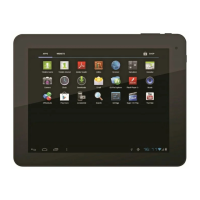
About the touchscreen
Your tablet comes equipped with an easy-to-use touchscreen which allows access to the tablet’s
functions.
Use your nger tip to touch the area of the screen where a control icon is displayed. If you touch
and hold the screen, it will register as a continuous button press.
To avoid damaging the screen, do not touch it with excessive force or with any object other
than your nger (or a stylus). For best response, make sure your hands are clean before using
the touchscreen controls.


 To Next Page