- 12 -
05/ How To Set The Unit
5.1 Main Functions
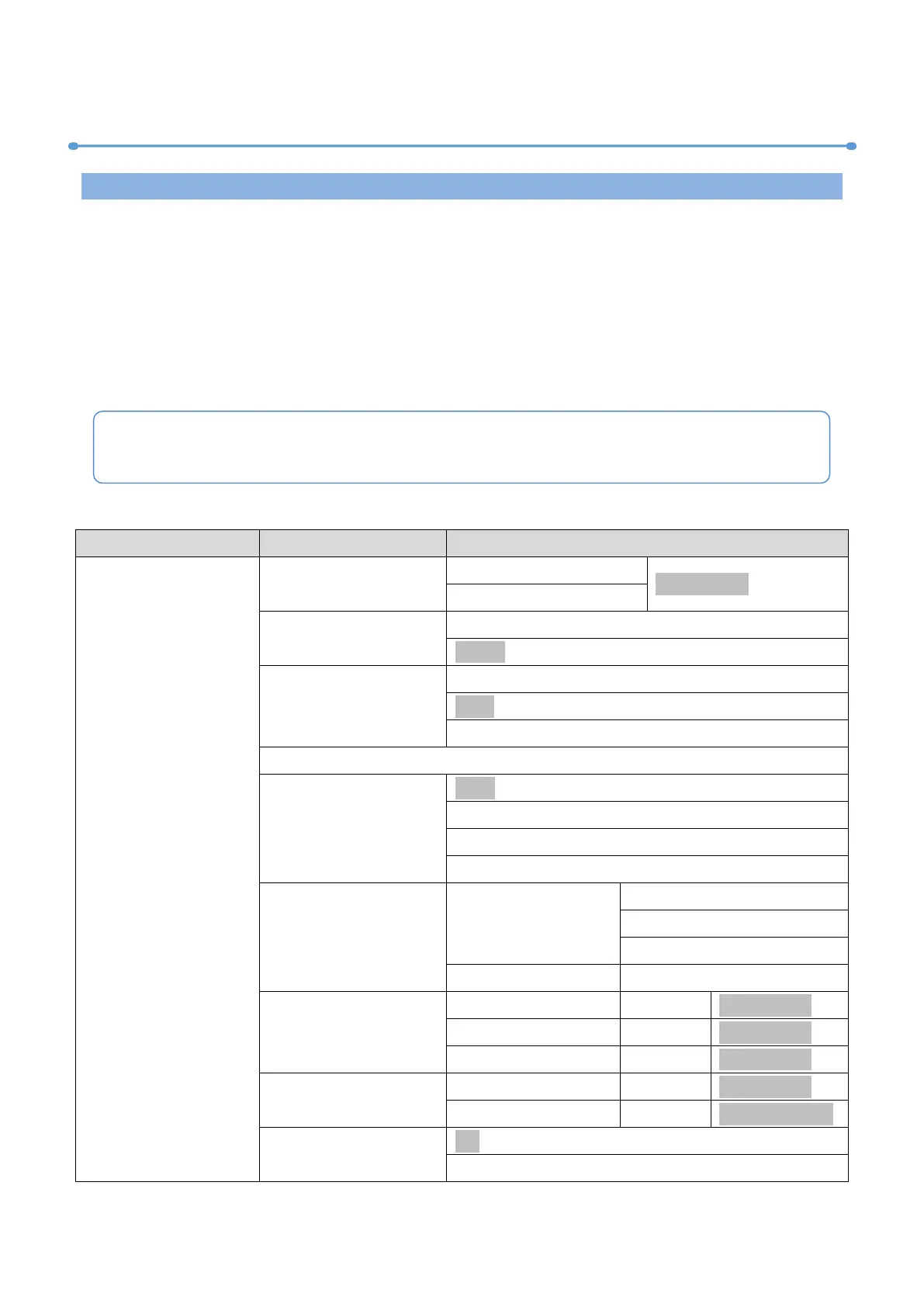
To access the control menus, press the [MENU] button.
Navigate the menu structure, using the [ENTER], [ UP] and [ DOWN] buttons.
To select a menu option or to confirm a selection, press the [ENTER] button.
To return to a higher level in the menu structure without making a change, press the
[MENU] button, or wait 30 seconds.
The main functions are shown below:
Default 1:002.xxx.xxx.xxx
Default 2:010.xxx.xxx.xxx
The screen will be automatically locked if there is no operation for a long time, and can
be unlocked by long-pressing the [MENU] button.



 To Next Page