- 8 -
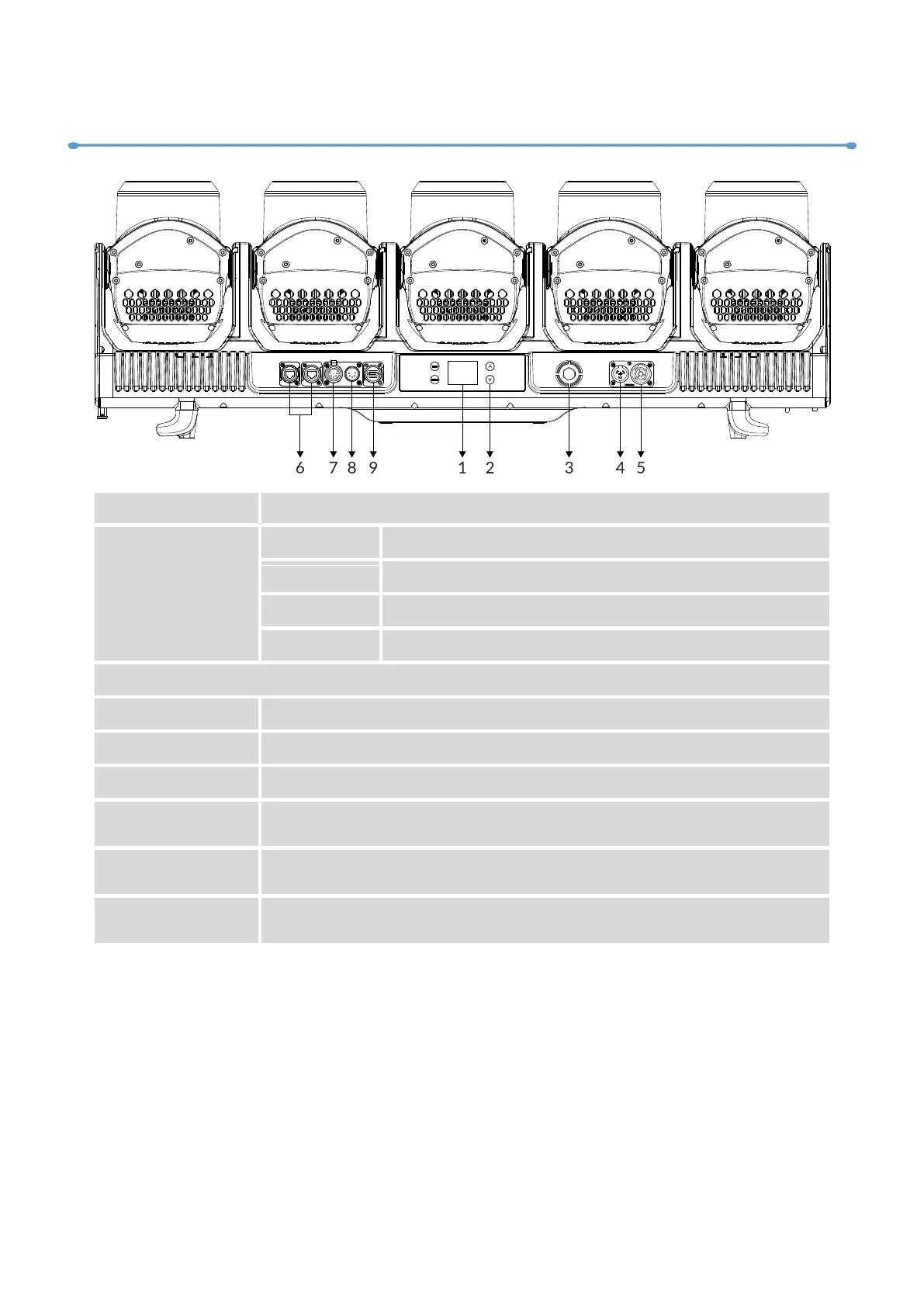
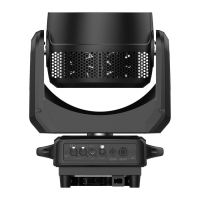
03/ Control Panel
To show the various menus and the selected function
To enter into move backward or leave the menu
To go backward to move up in the menu
To go forward to move down in the menu
To perform the desired functions
To connect to supply power
To connect to the next fixture
Transfers fixture’s information to a main controller
For DMX512 link, use 5-pin XLR cable to link the next units to
output DMX signal (3-pin XLR cable is optional)
For DMX512 link, use 5-pin XLR cable to link the unit and DMX
controller to input DMX signal (3-pin XLR cable is optional)
Used to upgrade fixture’s firmware



 To Next Page