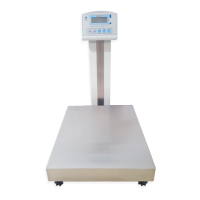
Unpacking and assembly
Open the carton box and take out packed scale
Place the scale on the rigid desk.
Remove packing Styrofoam and vinyl packaging
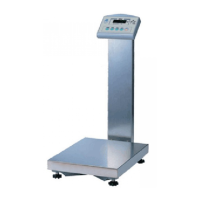
Put in display assembly into the display bracket of the scale.
Fasten display pole with two of M4 screws.
Arranging harness wire into the display pole.
Fasten bottom cover on display bracket with four of M3 screws.
4


 To Next Page