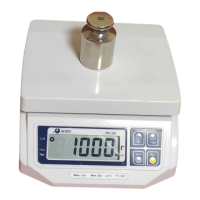
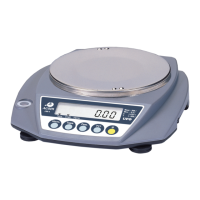
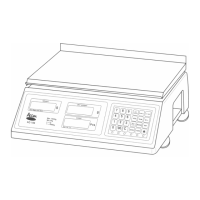
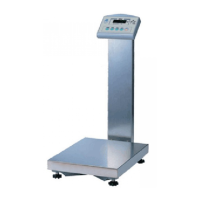
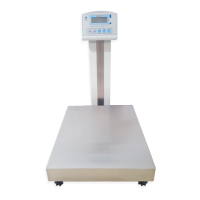
Function of each key
Name of key Function
This key is used to set numbers
This key used to clear numbers
This key used to correct zero shift, activated on
stable marked
This key used to entering tare weight, activated on
stable marked
Printer version
This key is used to print
Battery version
This key is used to restart the scale from standby
mode in battery used
0 9
Designators and functions
Designators Functions
“ZERO” It indicates centered zero
“STABLE” It indicates stable status in weighing
“NET” It indicates tare entered
“BATT” It indicates battery using and exhausted when blink
*
TARE
C
ZERO
5


 To Next Page