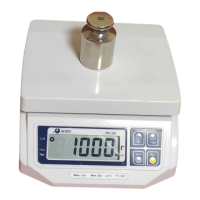
3. Weighing with tare
A. Unknown Tare
156
• Place the tare on the platter
• Press “TARE” key, designator “NET” is
0
turned on
324
• Put commodity on the tare
• Read weight after designator “STABLE”
324
marked on
0
• Remove commodity
• Remove tare and press “TARE” key, designator
0
“NET” is turned off
4. Errors table
Error Meaning Treatment
ZERO Initial zero error Remove weight on the platter and
Restart the scale
Otherwise call service
OF-1 Add up over flow Clear sum total
OF-2 Transaction over flow Clear sum total
OF-3 Daily total over flow Clear daily total
ADC Analog circuit Failure Call service
EEP Memory failure Call service
PARA Parameter failure Call service
8


 To Next Page