EasyManua.ls Logo

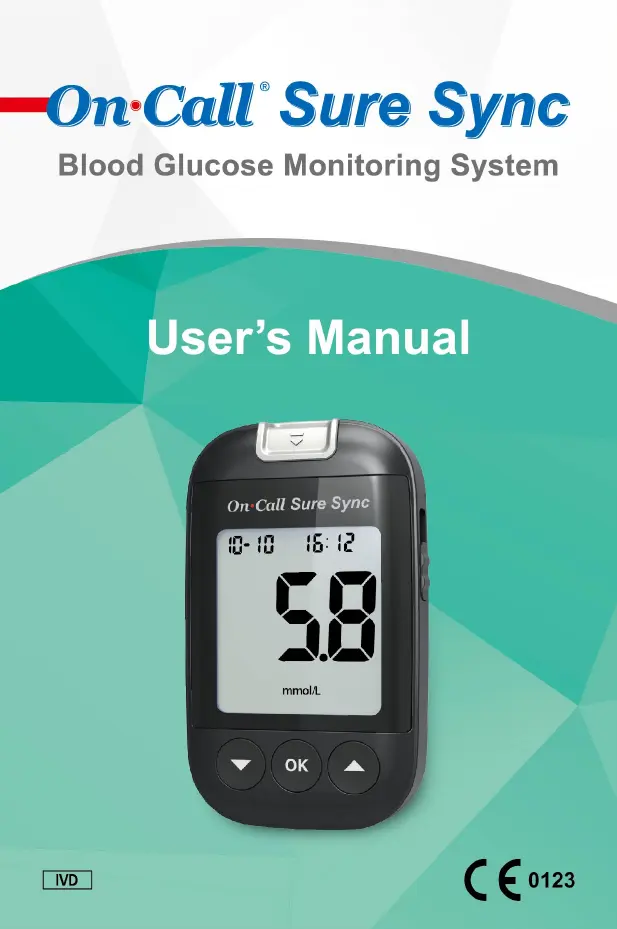
Acon On-Call OGM-212 - User Manual

Acon On-Call OGM-212
56 pages
Print Icon
To Next Page IconTo Next Page
Loading...

Questions and Answers

Summary

Getting Started and Components

Component Descriptions

Lists and describes all components of the blood glucose monitoring system.

Meter Overview and Display

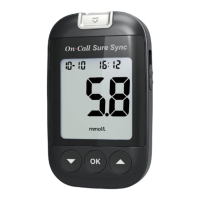
Details the blood glucose meter's parts and its liquid crystal display (LCD) functions.

Test Strips and Control Solution

Information on test strips, their storage, handling, and control solution usage.

Installation and Setup

Installing the Battery

Step-by-step guide on how to install or replace the meter's batteries.

Meter Setup Before Testing

Configuring meter settings like clock, date format, and indicators before first use.

Advanced Meter Features Setup

Setting up Bluetooth connectivity, alarms, and other advanced meter functions.

Performing Tests

Quality Control Test Procedure

Procedure for performing a quality control test to ensure system accuracy.

Testing Your Blood

Detailed steps for obtaining blood samples and performing glucose tests.

Understanding Meter Messages

Explanations of "HI", "LO", "Hypo", "Hyper", and "Ketone?" messages on the meter.

Data Management and Troubleshooting

Using the Meter Memory

How to view, manage, and average stored blood glucose records.

Data Transfer Options

Procedures for transferring data via cable and Bluetooth wireless technology.

Troubleshooting Guide

Identifies common error messages, their causes, and solutions for the meter.

Specifications and Warranty

Meter Specifications

Technical specifications of the On Call® Sure Sync Blood Glucose Meter.

Warranty Information

Information regarding the product's warranty coverage and terms.

Acon On-Call OGM-212 Specifications

General IconGeneral
BrandAcon
ModelOn-Call OGM-212
CategoryBlood Glucose Meter
LanguageEnglish

Related product manuals