EasyManua.ls Logo

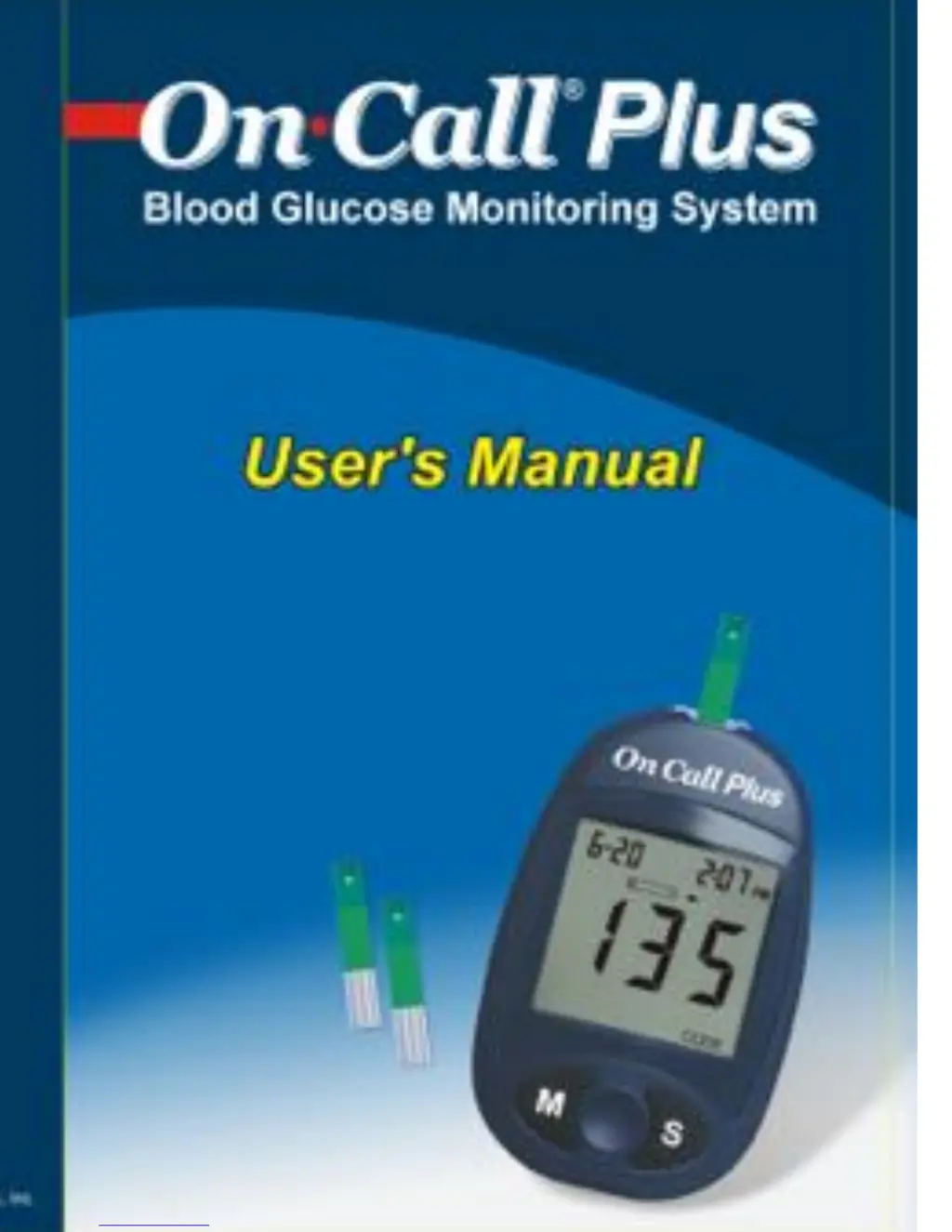
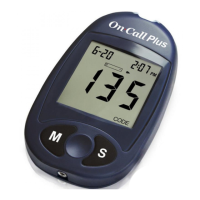
Acon On Call Plus - User Manual

Acon On Call Plus
44 pages
Print Icon
To Next Page IconTo Next Page
Loading...

Other manuals for Acon On Call Plus

Questions and Answers

  • C
    Colleen GreeneAug 3, 2025
    How to fix an Acon Blood Glucose Meter that fails to turn on?
    • D
      Dr. Jamie HernandezAug 3, 2025
      If your Acon Blood Glucose Meter fails to turn on, first, replace the battery. If the issue persists, the meter might be too cold; allow it to reach room temperature (about 30 minutes) before trying again. Also, ensure the test strip remains in place during the test, and apply the sample only after the blood drop/test strip icon appears. Use a new test strip and make sure to apply enough sample to fill the test strip check window. If the temperature has exceeded the operating limits, move to a cooler environment. If none of this helps, there may be a Power On self check error. In this case remove the battery for 30 seconds and then put battery back and turn meter on again.
  • S
    Stephen CalderonAug 13, 2025
    What to do if my Acon On Call Plus Blood Glucose Meter won't turn on?
    • J
      james87Aug 13, 2025
      If your Acon Blood Glucose Meter isn't turning on, it could be due to several reasons. First, try replacing the battery. If that doesn't work, ensure the correct code chip is inserted and matches the test strip code. If you removed the chip during a test, reinsert it and repeat the test. Also, be aware that extreme temperatures can affect performance; move to a warmer environment if it's too cold. If the battery is discharged but has enough power to run 10 more tests, test results will still be accurate, but replace the battery as soon as possible.
  • A
    Angela HaneyAug 23, 2025
    What to do if Acon On Call Plus showing communications failure?
    • J
      jessicaburnsAug 25, 2025
      If your Acon Blood Glucose Meter experiences a communications failure, resulting in an error when transferring data to your PC, consult the package insert included with the Diabetes Management Kit for troubleshooting steps.

Summary

Getting Started

Component Descriptions

Lists and explains all components of the blood glucose monitoring system.

Understanding Your Meter

Meter Display and Functions

Details the meter's display elements, buttons, and data port for user interaction.

Meter Use and Precautions

Essential guidelines and safety measures for correct meter operation and handling.

Test Strips and Control Solution

Test Strip Handling and Precautions

Instructions for storing, handling, and precautions for test strips to ensure accurate results.

Control Solution Usage and Precautions

Guidance on control solution storage, handling, and important usage precautions.

Initial Setup and Calibration

Installing the Battery

Step-by-step instructions for replacing the meter's battery.

Meter Setup Before Testing

Guides users through initial setup, including coding and adjusting meter settings.

Performing Blood Glucose Tests

Quality Control Test Procedure

Confirms the system's proper operation by testing with control solution.

Obtaining Blood Samples

Methods for collecting blood samples from fingertips and alternative sites.

Performing a Blood Glucose Test

Step-by-step guide to measuring blood glucose levels with the meter.

Interpreting Test Results

Explains 'HI'/'LO' messages, precautions, and limitations for accurate interpretation.

Meter Data Management

Using the Meter Memory

Covers viewing stored records, clearing memory, and transferring data to a computer.

Maintenance and Support

Maintenance Procedures

Instructions for system maintenance, cleaning, and battery replacement.

Suggested Testing Times and Target Goals

Provides guidance on when to test and typical target glucose levels.

Comparison and Troubleshooting

Comparing Meter and Laboratory Results

Guidelines for comparing meter readings with laboratory test results for accuracy.

Troubleshooting Guide

Lists common error messages, their causes, and suggested solutions for resolving issues.

Specifications and Warranty

Specifications

Technical details of the meter, including measurement range, test time, and operating conditions.

Warranty Information

Details the product's warranty policy and instructions for registration.

Acon On Call Plus Specifications

General IconGeneral
DisplayLCD
Test Time10 seconds
Measurement Range20-600 mg/dL
Operating Humidity10-90% RH
Blood SampleCapillary whole blood
Hematocrit Range30-55%
Memory300 test results
Sample Size1 µL
Battery TypeCR2032
Battery Life1, 000 tests

Related product manuals