26
Using the Meter Memory
The meter automatically stores up to 300 test records. Each record includes the
test result, time and date. If there are already 300 records in memory, the oldest
record will be erased to make room for a new one The meter will also calculate the
average values of records from the last 7, 14 and 30 days.
Viewing Stored Records
To vi e w st or ed rec or ds :
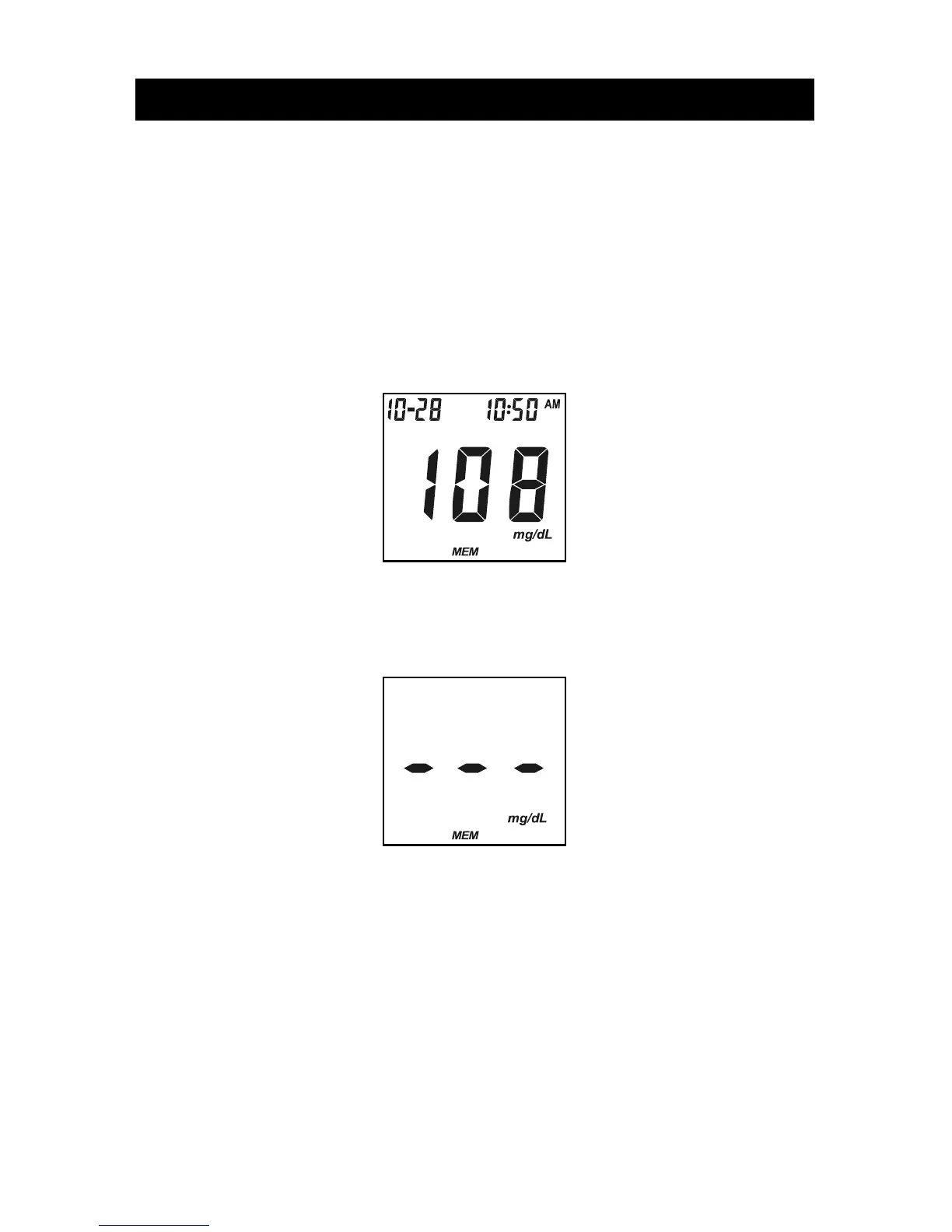
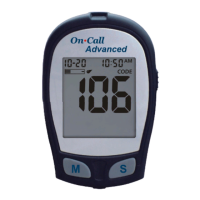
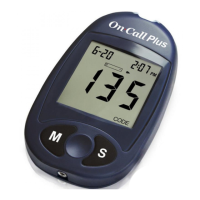
1. Press the M button to turn the meter on and enter memory mode. The most
recent value and the word "MEM" will appear on the display.
If you are using the meter for the very first time, the meter display will show
three dashed lines (---), the word "MEM" and the unit of measure. This shows
that no data have been stored in memory.
2. The date and time will be displayed together with the results stored in memory.
A pound sign (#) indicates records that will be omitted from the 7, 14 and 30
day averages.
3. Press the M button to go through the stored records.
4. Press the S button to view the data averages. The words "DAY AVG" will
appear on the screen.
Note: If you do not wish to view your average glucose measurements, you can
press the S button again to turn off the display.


 To Next Page