11
Meter Setup Before Testing
Before testing, the following steps should be followed:
Step 1 – Coding the Meter
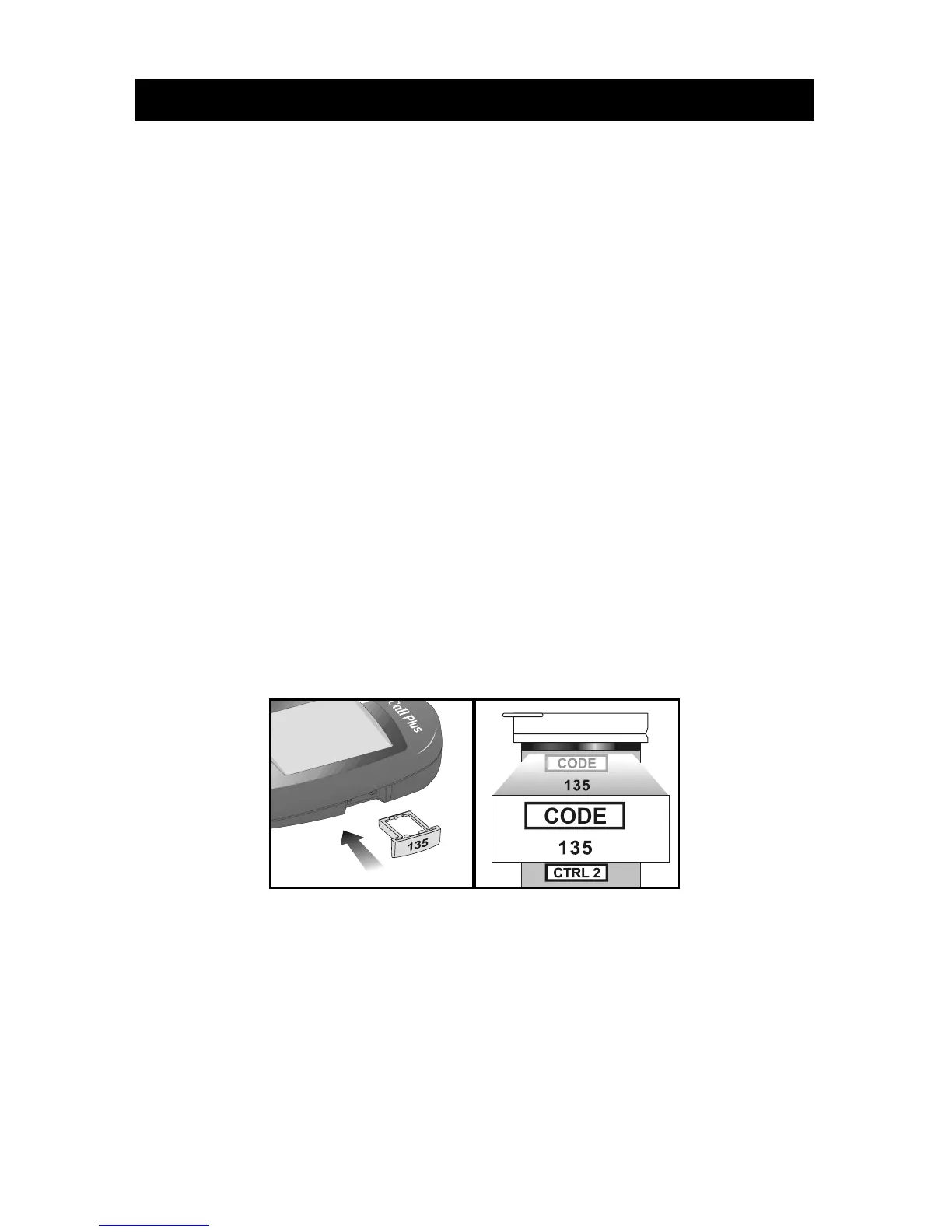
Simply insert the code chip to code the meter. Every time you change to a new box
of test strips, you need to insert the code chip packed with the new box of test
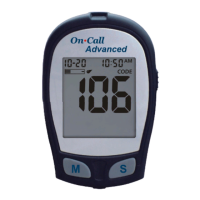
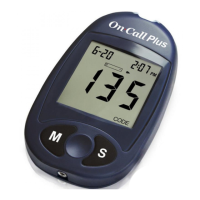
strips. You can see the code number appears on the meter. Make sure this number
matches the code number printed on the test strip vial label (or on the foil pouch)
and the number printed on the code chip.
You can easily find a code chip in your starter kit box. This code chip is used with
the test strip packed in your carrying case when you first open the carrying case. If
there is already one code chip inserted, remove it and insert the new code chip.
1. Take the code chip from the test strip box. Compare the code number on the
code chip with the code number printed on the test strip vial label (or on the foil
pouch). If the two numbers are not the identical, you may get inaccurate results.
If the code number on the code chip does not match the number on the vial or
on foil pouch of strips with which it was packaged, please contact your
Customer Support at 1-800-838-9502.
2. With your meter turned off, insert the new code chip into the code chip slot of
the meter. It should easily snap into place. The code chip should remain in the
meter, do not take it out until you change to another new box of test strips.
Note: If a test strip is inserted and no strip code is stored in memory, the
display will flash “--- CODE”.


 To Next Page