32 33
EN
EN
40005972 40005972
When the preferred ambient temperature is reached, turn the knob ❻ anti-
clockwise until the red light ❹ goes off.
After a few hours of operation, you can change the temperature setting by tur-
ning the knob clockwise to increase temperature or anti-clockwise to reduce it. This
enables you to set your desired temperature.
4.3 Adjustment procedure
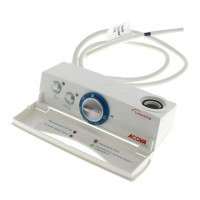
In order to make setting easier, the knob for temperature setting is graduated
by degrees and equipped with an adjustment dial ❺. In normal use, both elements (❺
and ❻) turn simultaneously.
The dial is initially set to correspond to the actual ambient temperature in the
room (under optimum thermal conditions).
However, due to the specic conditions of an installation or room (location,
power/volume, insulation, etc.), a variation may be noted between the desired tempe-
rature and the measured temperature
The adjustment ring ❺ enables this problem to be resolved.
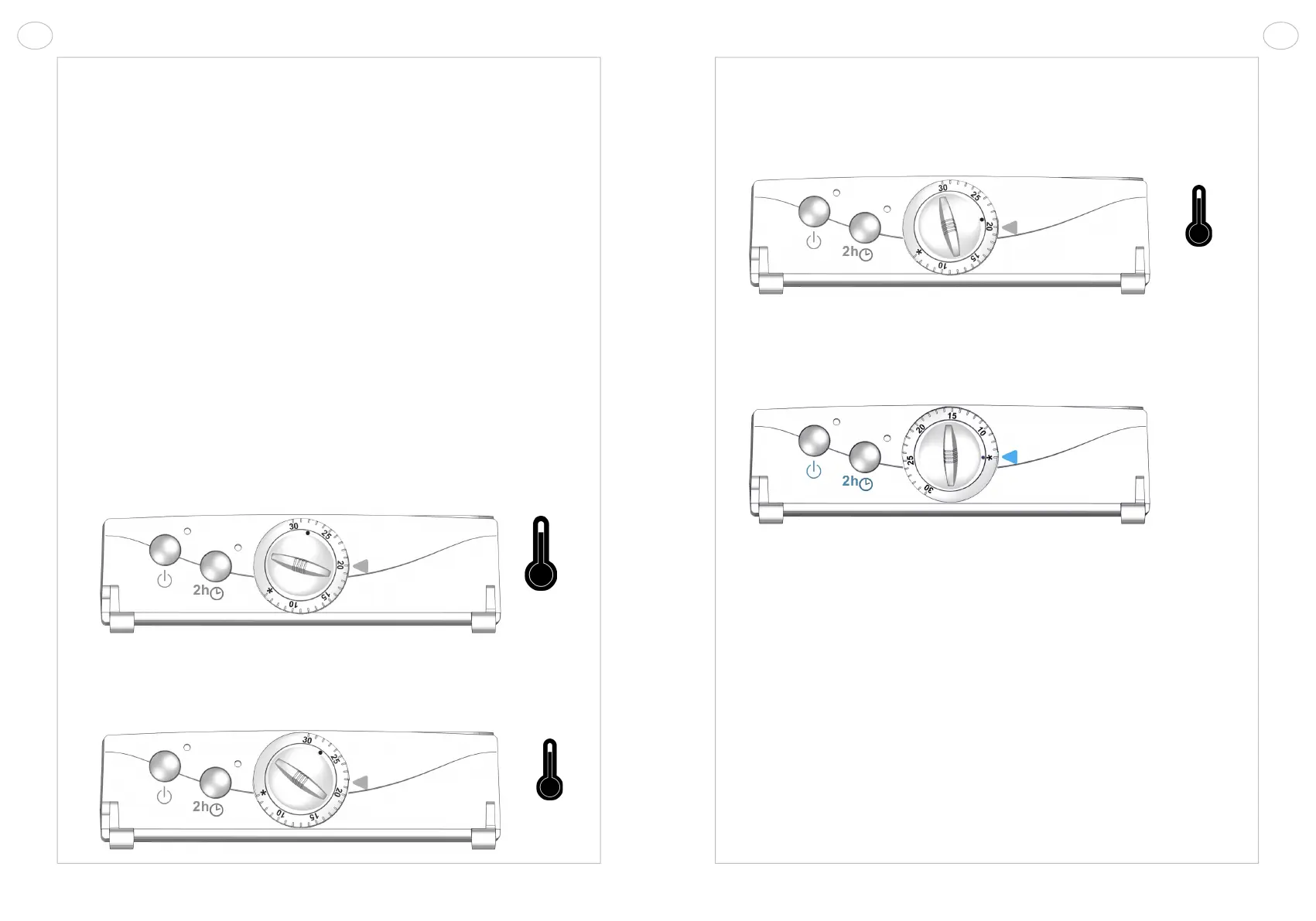
PHASE 1: SETTING THE REQUIRED TEMPERATURE
Example: The rst time you use the radiator, you have set the thermostat to
20°C but the temperature measured by your thermometer in the room after heating is
only 18°C.
Turn the knob for temperature setting ❻ clockwise a few degrees (the functio-
ning indicator ❹ lights up) and let the radiator heat up until your thermometer shows
20°C. The functioning indicator going off denotes that your device has reached the
desired temperature.
18°
20°
PHASE 2: ADJUSTMENT
Hold the knob for temperature setting ❻ in place and turn the adjustment dial
❺ independently until the 20°C setting is in line with the marker ❼.
The setting of your radiator now corresponds to the temperature measured in
the room.
PHASE 3 (OPTION): RESET TO INITIAL SETTINGS
To return to the original setting: line up the embossed point found on the knob
for temperature setting ❻ with the freeze protection symbol on the adjustment ring ❼.
4.4 Booster function
This function provides additional heat when you have a bath or shower, while
also drying or warming your towels.
When this function is activated, the radiator operates at maximum output
regardless of the thermostat setting.
Once initiated the booster function runs for 2 hours. It can be stopped at any
time.
There are 2 ways of starting the Booster function:
• Manual booster: TIMER
• Programmed booster: TIMERPROG
20°
Freeze
protection



 To Next Page