35
3.3.2 Custom program
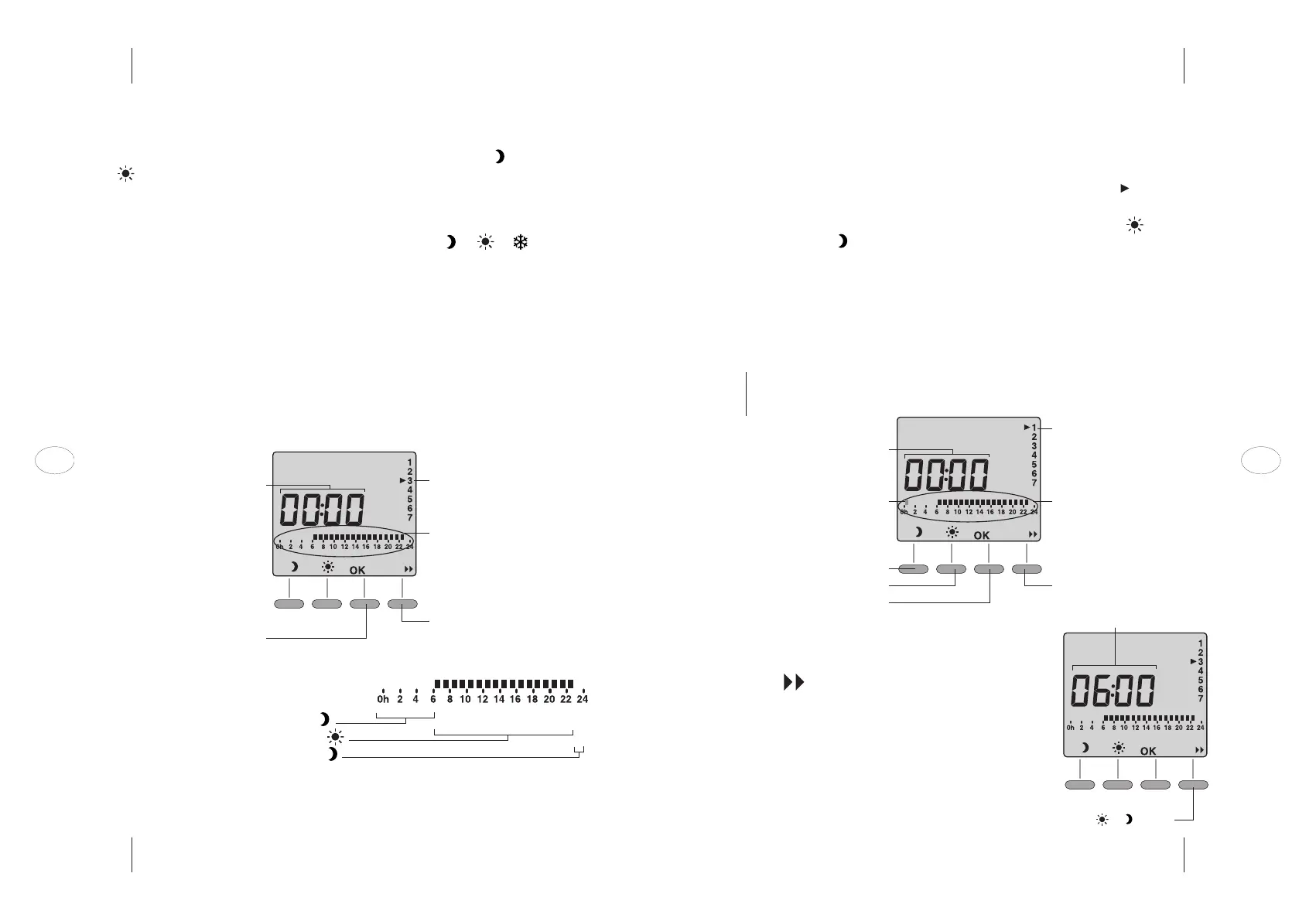
TO CHANGE THE PROGRAM, TURN THE DIAL TO PROG
The screen shows the program for day 1 (for example Monday). is displayed
against the day being programmed.
_ When the first timeslot (from midnight to 1am) blinks, press to select
COMFORT mode or to select ECO mode.
_ You will move to the next timeslot automatically. Repeat until you have entered
settings for the entire day.
_ If you wish to make any corrections, cycle through all the timeslots until you
reach the one you want to change.
_ When you are ready, press OK to confirm your settings for the day and move to
the next day.
NOTE To apply the same program for the following day, keep the OK button pressed
down for approximately 3 seconds until the program for the following day is
displayed.
TO REVIEW YOUR PROGRAM
Press the button repeatedly to review the start
times for the COMFORT and ECONOMY periods you
entered previously.
Press OK to move to the next day.
TURN THE DIAL TO EXIT THE PROGRAM FUNCTION.
Start of timeslot you are modifying
First timeslot
Select Economy for 1h
Select Comfort for 1h
Move to next day
Day you are modifying
Program profile for the day
you are modifying
Go to next program change
Review the various
or periods.
Start of timeslot displayed
3.3 Programming the thermostat
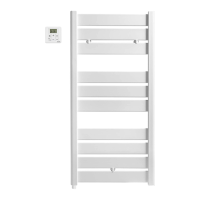
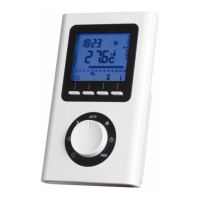
The program function is used to schedule operation of the Eco ( ) and Comfort
( ) modes throughout the day.
The thermostat can be set to operate to the same program every day (daily
program) or to a different program each day (weekly program).
You can also switch your appliance to any desired mode ( or or ) manually
using the dial at any time if your schedule changes.
3.3.1 Default program
TO VIEW THE PROGRAM, TURN THE DIAL TO PROG
On first use, the programmable thermostat is set to run the program “COMFORT
from 6am to 11pm” every day of the week.
Default program profile:
– from midnight to 6am: ECO mode
– from 6am to 11pm: COMFORT mode
– from 11pm to midnight: ECO mode
Start of timeslot displayed
Move to next day
Day displayed
Program profile for day displayed
Go to next program change
EN EN
34



 To Next Page