ACOWA INSTRUMENTS, Industrivej 10, 8305 Samsø - VAT-no: 36562919 – mail: info@acowa.dk – Phone: +45 7221 7979
Configuration
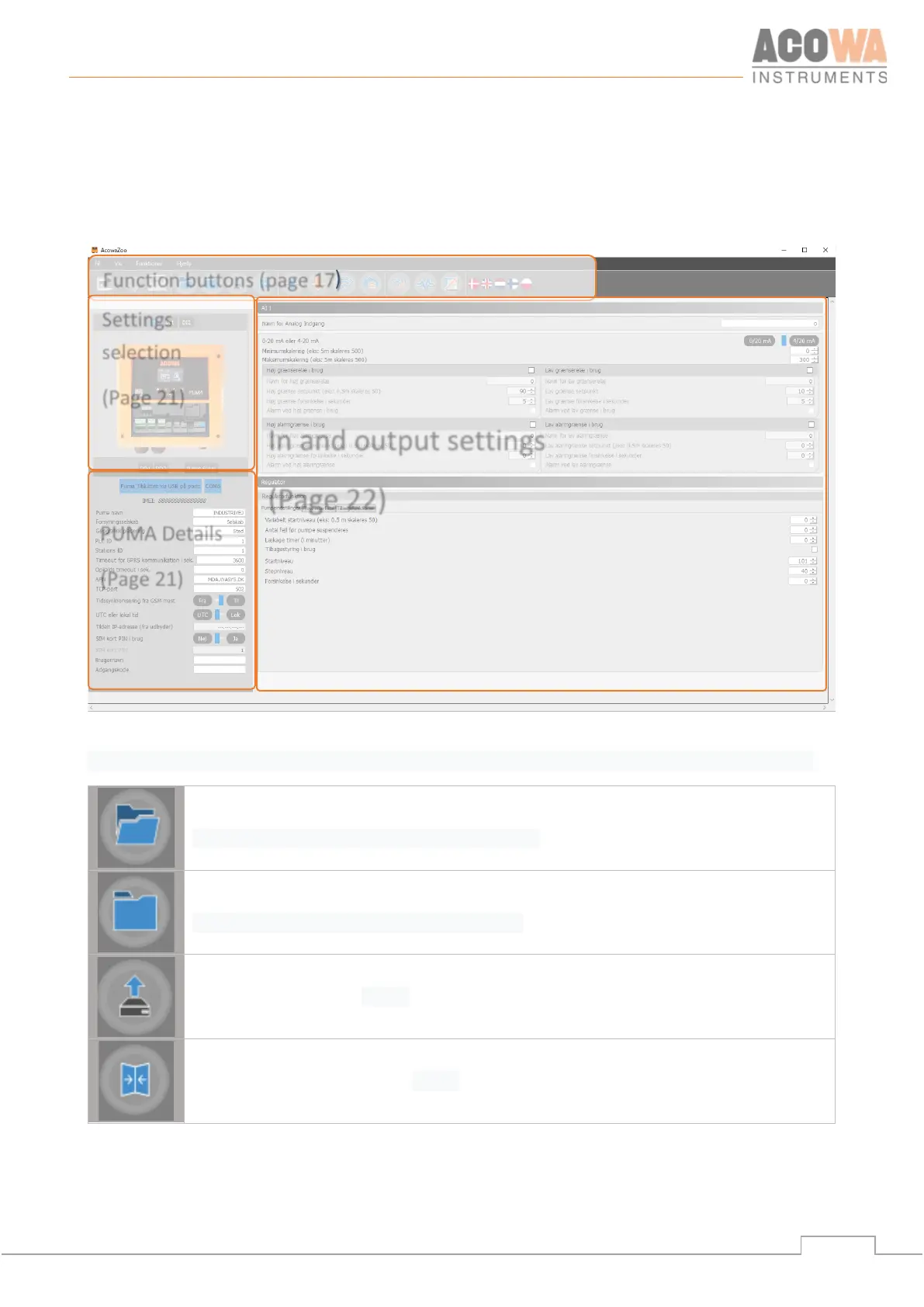
AcowaZoo user interface
Overview
Function buttons
Functions associated with writing and reading from PUMA and disk, as well as contact with PUMA via TCP.
Load configuration from hard drive, USB drive, etc.
Save configuration on hard drive, USB drive, etc.
Load Default Configuration
Select and load a typical PUMA configuration (control of 1 or 2 pumps, groundwater
lowering, etc.)
Mirrors the counters etc. in the PUMA controller. (Is used for updating or replacement of
the modem)
Function buttons (page 17)
selection
(Page 21)
In and output settings
(Page 22)
PUMA Details
(Page 21)



 To Next Page