4.4 Thresholding (Zero-Suppress - ZS1 option)
60 Acqiris SA220P User's Manual
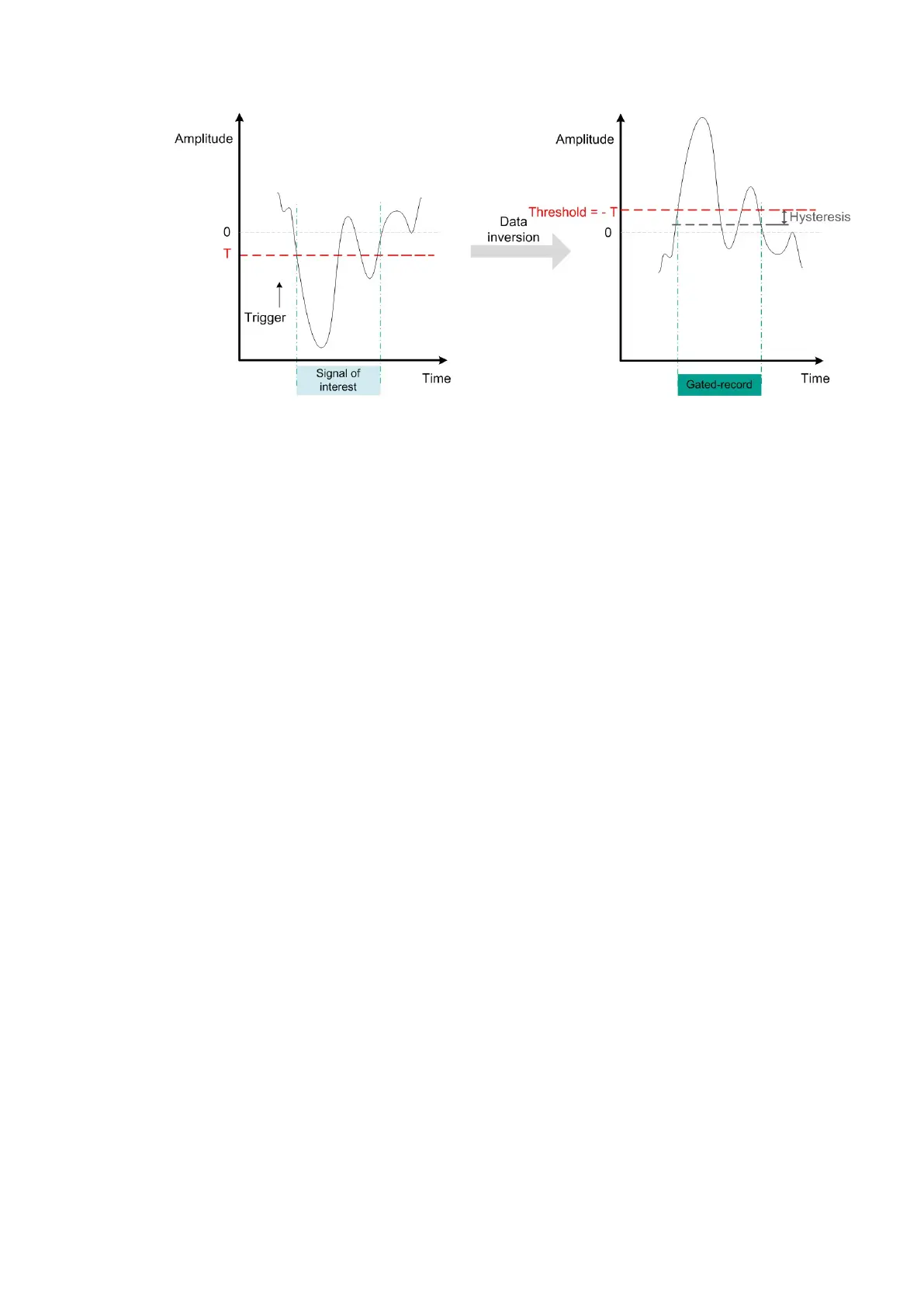
Figure 4.9 - To select only the waveform below a threshold T as illustrated on the figure to the left, user can enable
data inversion, and then the zero-suppress mode. In this case, the threshold has to be set to -T, as illustrated on the
figure to the rigth. (The threshold could be positive or negative).



 To Next Page