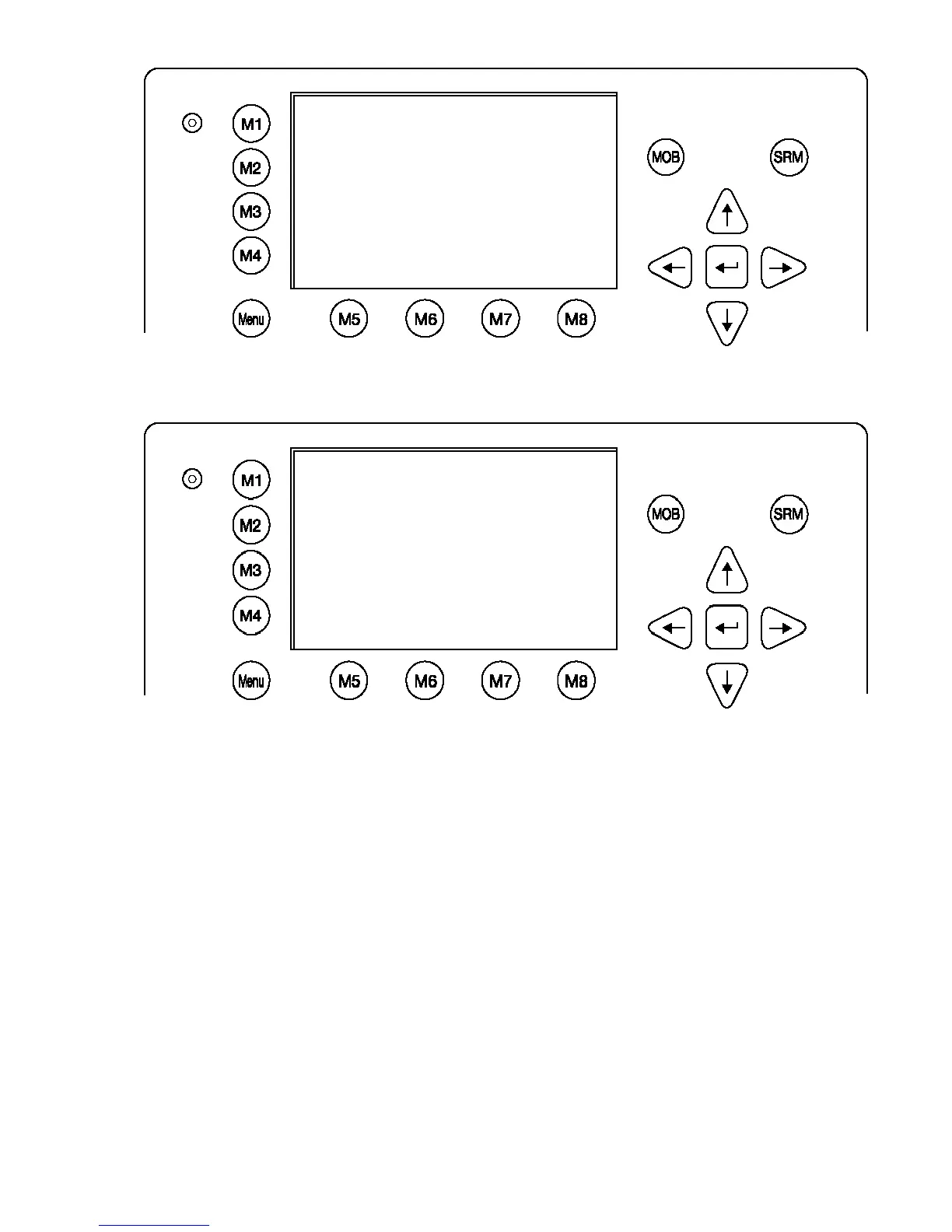
It is possible to interrupt this process by pressing the “Back” - Button [M8].
After the analysis is complete, the Transponder will list the data used for the AIS operation.
*********** Sensor Settings ************
**************************************
* *
* Please stay... *
* analyze Sensor 1..3 *
* this takes max. 30sec. *
* *
**************************************
----------------------------------------
| | | | Back
N 1
o
18' E 0
o
12' |1> N/A|2>0.00|3>0.10nm
************ Sensor Analyze ************
Analyze:
Date Src Used CHx Update
Position: Ext >$GPGLL 1,2 820ms
: Int $GPGGA i,1 273ms
: Int $GPRMC i,1,3 656ms
UTC : Ext $GPGLL 1,2 820ms
: Int $GPGGA i,1 273ms
: Int $GPRMC i,1,3 656ms
Date : Int $GPRMC i,1,3 656ms
COG : Ext $GPVTG 1,2 792ms
: Int $GPRMC i,1,3 656ms
SOG : Ext $VDVBW 1,2 820ms>
----------------------------------------
| Select | | | Back




 To Next Page