3.8.4 Sensor Monitoring for Problem Analysis
For specific information on a particular sensor, the NMEA input data can be monitored and is
listed on the AIS display.
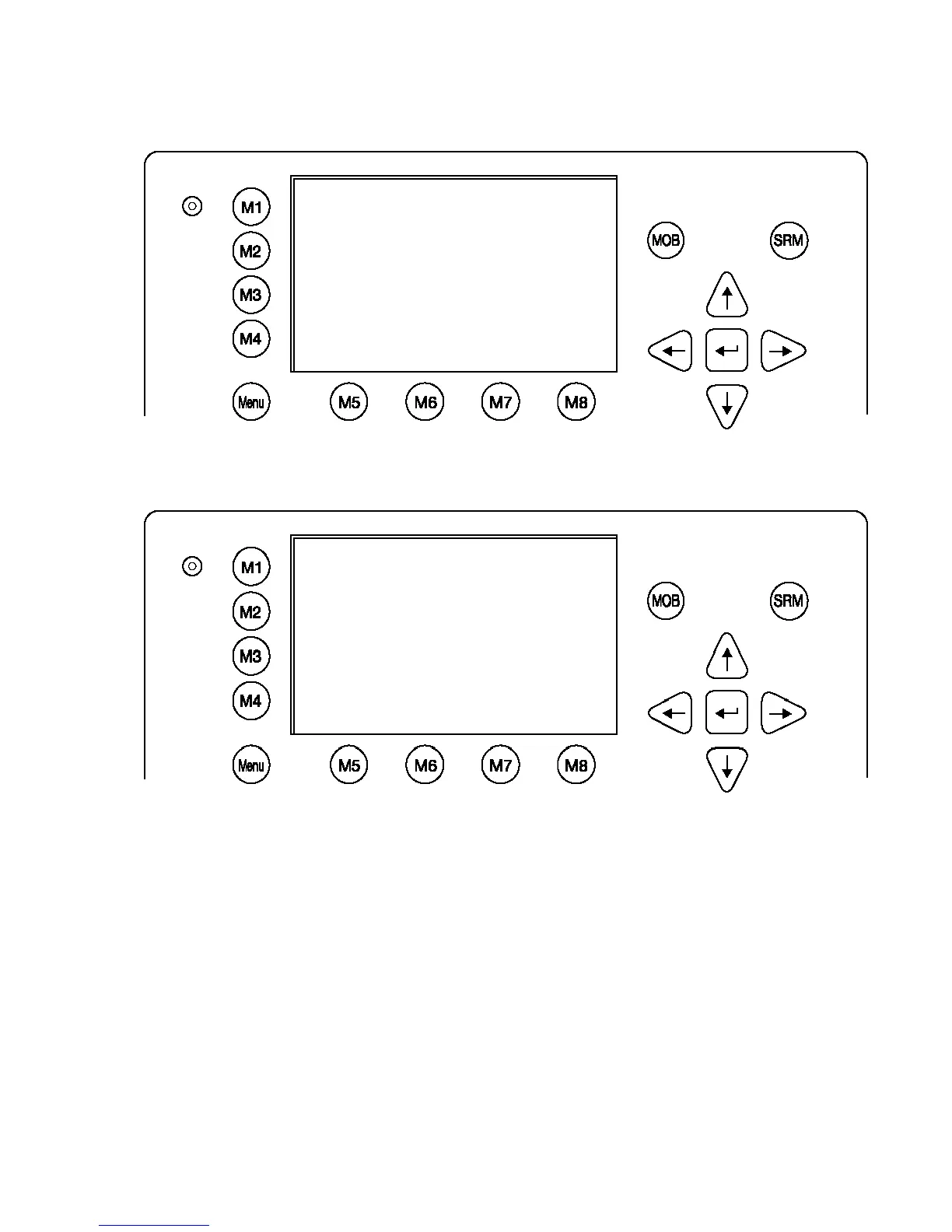
From the Sensor Configuration main screen one of the three sensor channels may be
selected by pressing 1, 2 or 3 or by using the cursor keys. By pressing the right cursor, the
monitoring process is started.
Complete NMEA sentence are shown. With Monitor 2 [M6] or Monitor 3 [M7] another sensor
channel can be selected.
*********** Sensor Settings ************
Monitoring Sensor Channel 2 PAGE 1/4
[08:26:48,000] $GPGLL,5330.1234,N,01001
.2345,E,141800.00,A,A
[08:26:48,328] $GPVTG,350.0,T,,M,10.0,N
,,K,A
[08:26:48,437] $VDVBW,11.00,01.00,A,12.
00,02.00,A,,V,,V
[08:26:48,547] $TIHDT,359.9,T
[08:26:48,656] $TIROT,0.0,A
[08:26:48,765] $GPGLL,5330.1234,N,01001
.2345,E,141800.00,A,A
[08:26:48,875] $GPVTG,350.0,T,,M,10.0,N
,,K,A >
----------------------------------------
|Cfg CH2 |Monitor 1|Monitor 3|<-Back
N 1
o
21' E 0
o
15' |1> N/A|2>0.00|3>0.10nm
*********** Sensor Settings ************
BaudRate Sensor1:< 4800> CRC: auto
Ignored:$HC---$-----$-----$-----
$-----$-----$-----$-----
1>Start Monitor>
BaudRate Sensor2: 4800 CRC: auto
Ignored:$HC---$-----$-----$-----
$-----$-----$-----$-----
2>Start Monitor>
BaudRate Sensor3: 38400 CRC: auto
Ignored:$HC---$-----$-----$-----
$-----$-----$-----$-----
3>Start Monitor>
----------------------------------------
| Save | Default | Analyze | Back




 To Next Page