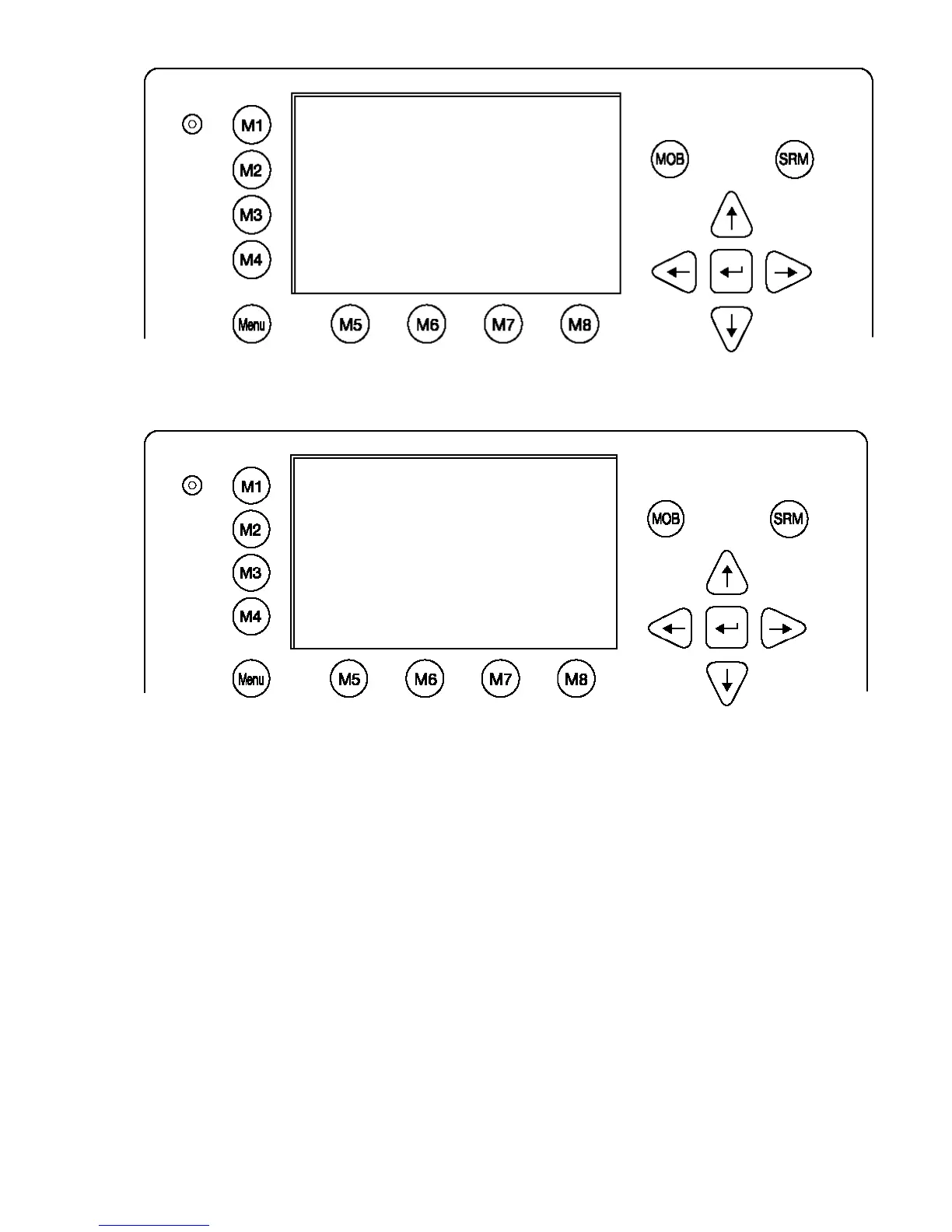
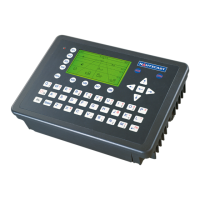
Select “Alarm Status” or “TXT Status” with cursor button [Up] & [Down]
or press Nr. 4 or 5 on the keyboard.
N 1
o
19' E 0
o
12' |1> N/A|2>0.00|3>0.10nm
|----------------------------------
| Menu
-----| |
| +- 1. Messages
View | +- 2. AIS Status
| +- 3. Voyage Settings
-----| +- 4. Ship Settings
| +- 5. Transponder Configuration
Msg. | +- 6. Service Configuration
| +- 7. Display Settings
-----| +- 8. Graphical Display Settings
|
Displ|
----------------------------------------
NUM|Select->| | |<-Back
N 1
o
21' E 0
o
14' |1> N/A|2>0.00|3>0.10nm
|----------------------------------
| 2. AIS Status
-----| |
| +- 1. State / Conditions
View | +- 2. Own Ship Data
| +- 3. Own VHF Status
-----| +- 4. Alarm Status
| +- 5. TXT Status
Msg. | +- 6. Version Info
| +- 7. Security Log
-----|
|
Displ|
----------------------------------------
NUM|Select->| | |<-Back





 To Next Page