Y1-03-0346 Rev. B 19
CB2 Manual
4.2 LED Indicator Sequences
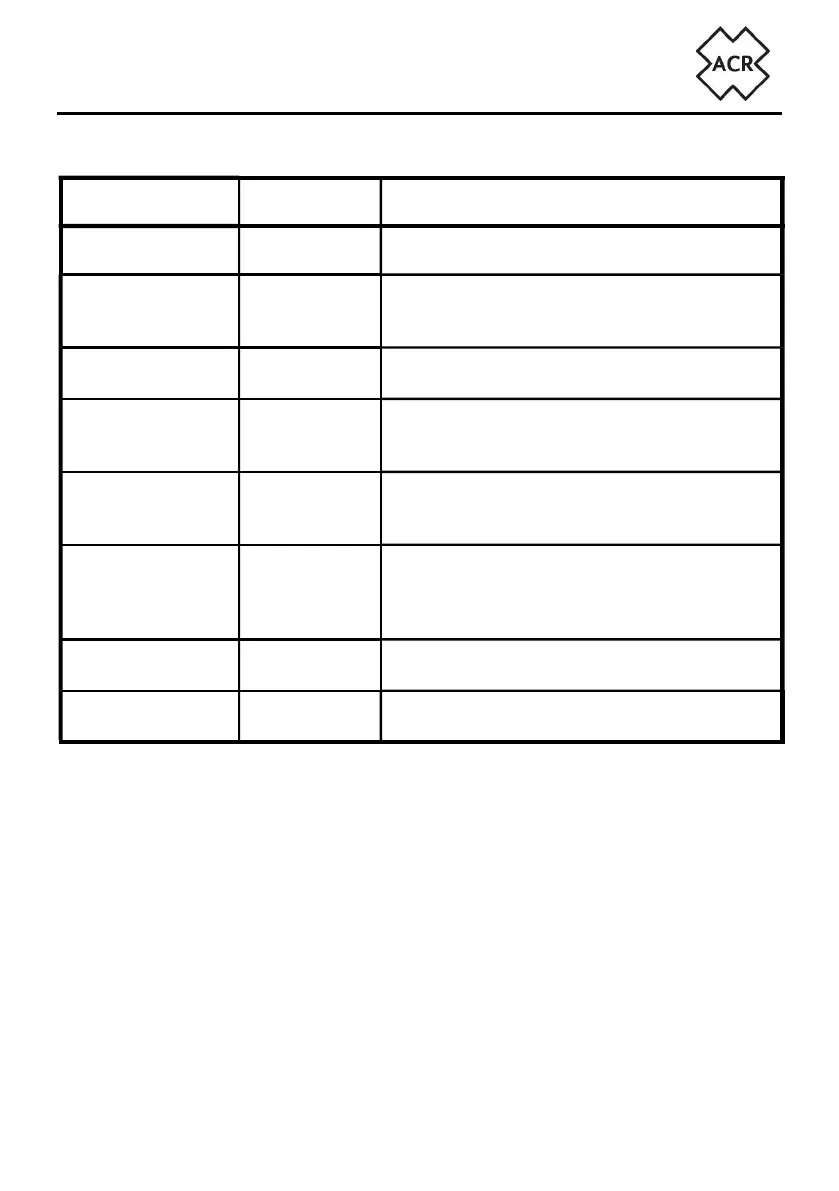
LED Sequence Reason Description
Flashing Green Start-up Unit is starting and obtaining a GPS fi x.
Steady Green Operating
Unit is operating and is ready to receive/trans-
mit. Brief interruptions occur as AIS targets are
received
Steady Amber Silent Mode
Brief interruptions occur as AIS targets are
received
Green / Amber
alternating
LRM Mode
Unit is operating in Long Range Message Mode.
Brief interruptions occur as AIS targets are
received
Steady Red
Error – Trans-
mit stopped
Use the WiFi App to see details of the fault or
check error messages on a connected Mul-
ti-Function Display.
Flashing Red
Error – Trans-
mit continued
These errors may be temporary due to external
infl uence. If the error indication continues for
more than 60 minutes check error messages on
a connected Multi-Function Display
Amber with off
pulse every 2s
Wi-Fi Set-up
mode
The unit is in Wi-Fi pairing mode and is visible
to other devices
Green / Red blink
every 1s
External data
lost
External data (ie. Heading) that has previously
been received by the CB2 has been lost


 To Next Page