NOTE: SOS Monitoring and dispatch is a service provided
by Global Rescue to all active Bivy Stick users as part of your
monthly service fee. A Global Rescue membership provides
additional services. More info about a membership can be
found here: https://ss.globalrescue.com/partner/bivy/
During the activation process you will choose your data plan.
All plans use the Iridium satellite network. There is a four
month commitment for the first activation, but after that you
can change plans as needed. If you use all of your allotted
credits, you can still continue to use the Stick at the overage
rate indicated. For more plan details please go to:
https://www.bivy.com/data-plans
Once your Bivy Stick is activated, you will be assigned your
own dedicated phone number which will stay the same until
you deactivate service. You can find this phone number on
the STICK screen in the app when the Stick is connected.
USING THE APP
You can see the status of your Bivy Stick and account at any
time by using the app. On the STICK screen you can see how
many credits you have available for the month and how many
you have used.
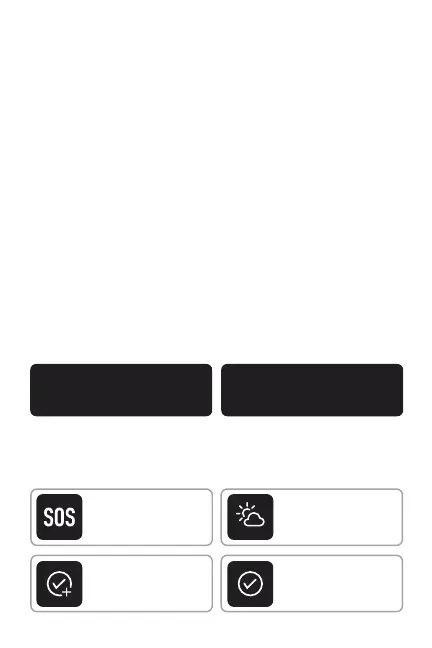
On the STICK screen, you'll be able to see if your Stick is active,
when your active account renews or ends, and your credit
status. You can also navigate to many features of the Bivy Stick,
including SOS, Weather, Check-In Setup, and Send Check-In.
30
AVAILABLE CREDITS
0
USED CREDITS
SOS
CALL FOR HELP
Weather
GET REPORT
Check-In Setup
CREATE NEW
Send Check-In
SEND MESSAGE
2


 To Next Page