Automatic Partition Operations
32
Copyright © Acronis, Inc., 2000–2010
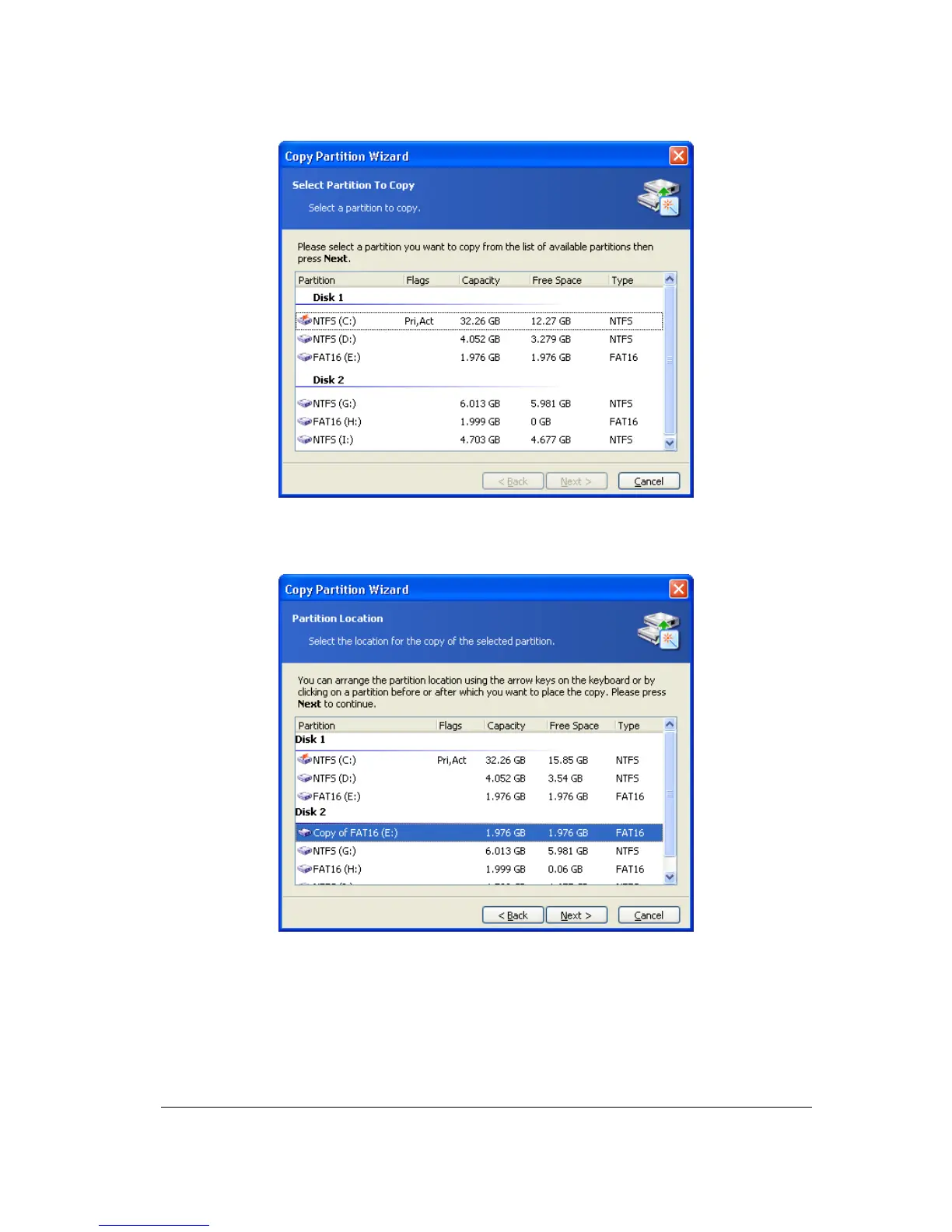
Selecting a partition to copy
3.
On the next Partition Location wizard page, a record of copied partition parameters
will be created.
The page for selecting a disk location for partition copy
You will have to select a copy location on one of the disks, among existing partitions. To
make your selection, click before or after a partition to mark where you want to locate the
copy.
In this example, the copy will be located before the PROGRAM(H:) partition in the figure
below.



 To Next Page