Automatic Partition Operations
Copyright © Acronis, Inc., 2000–2010
33
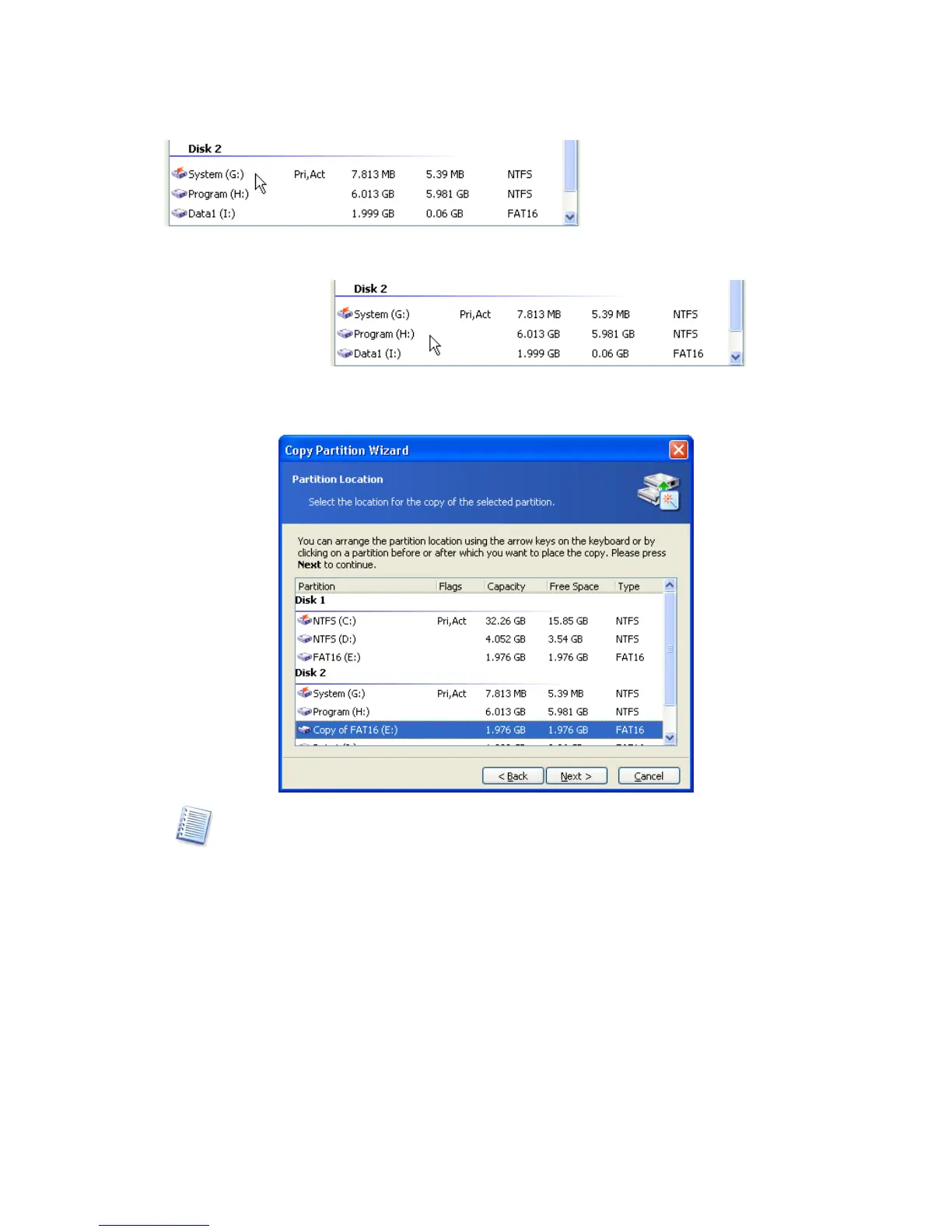
The copy will be located after the PROGRAM(H:) partition in the figure below.
The figure below shows the result of locating a partition copy after clicking after the
PROGRAM(H:) partition.
You can locate a copy anywhere on
your disk(s). The copy partition wizard will
automatically perform all necessary operations, even if it has to resize or move other
partitions.
1. The selected disk might lack space for a copy. Nevertheless, you can copy a partition
by selecting another partition whose space will be partly used. This can be done in the
Select Partitions window.



 To Next Page