STEP 2 Make the Correct Connection
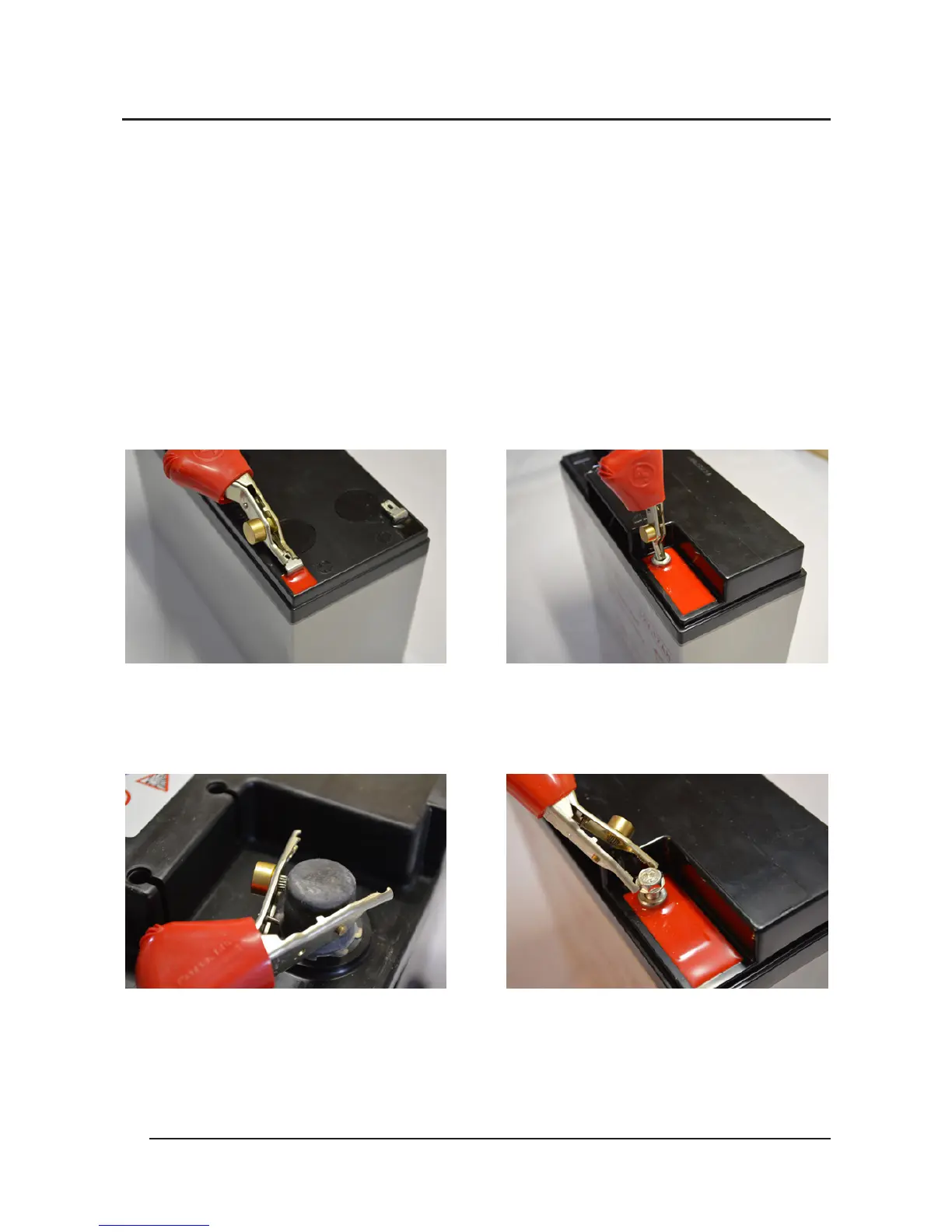
Observing polarity, connect the test lead clips exactly as described
for the types of battery terminals shown below, RED+ and
BLACK- WARNING: Maximum input voltage 15VDC. If “POLARITY
REVERSED” or “VOLTAGE TOO HIGH” warnings light, disconnect
immediately.
Grip clips tightly around tab
terminals
CORRECT
Insert clips fully inside
battery terminals
Grip tightly around posts
using internally mounted
spikes
DO NOT connect to high
resistance bolts
INCORRECT
www.actmeters.com
6
CORRECT
CORRECT


 To Next Page