4.4 Connecting and disconnecting accessories during use
Never release the battery when the Mini LED is in use. When handling the mains adapter and the battery
disconnected from the handpiece, avoid all contact with the patient or any other party.
Do not disconnect the optical guide or the rigid protection shield when using your Mini LED.
4.5 Light indicator
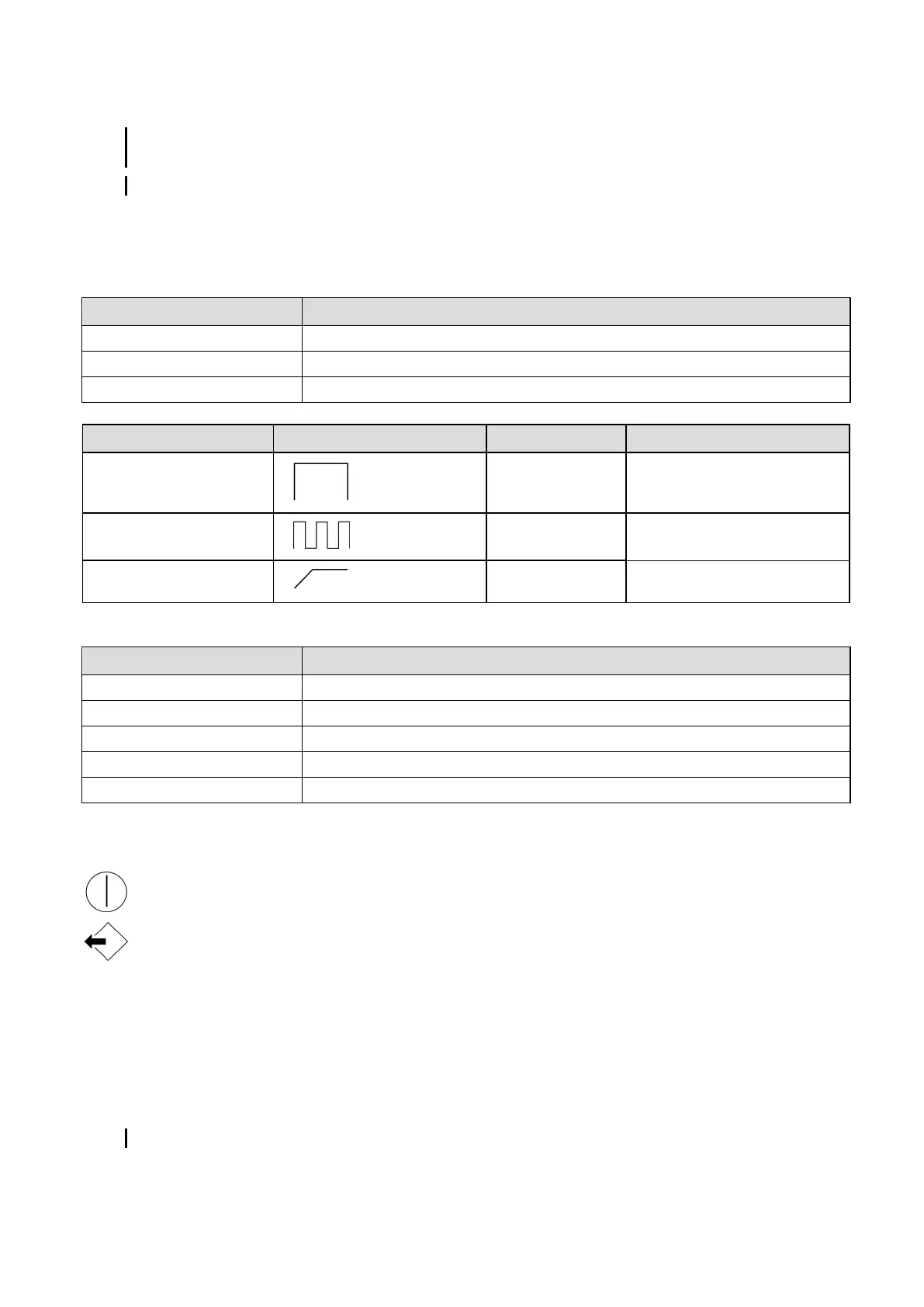
The light indicators are designed to signal the device's status.
The handpiece has four light indicators in total.
Colour Mode
Green Normal mode
Red The battery is flat
Flashing red Thermal cut-out activated
On/off light indicator
Indicator Pictogram Colour Mode
High Green Fast
Medium Green Pulsed
Low Green Progressive
Three operating mode light indicators
The charging base has two light indicators.
Colour Meaning
Flashing green - upper indicator Charging
Green - upper indicator Charge fully completed
Red - lower indicator Power measured at less than 605 mW/cm
2
is insufficient for required operation
Off - lower indicator Power measured is insufficient for required operation
Green - lower indicator Power measured equal to or greater than 785 mW/cm
2
Charging base light indicators
4.6 Buttons
The Mini LED has two buttons.
located near the optical guide used to switch the Mini LED on and off.
used to select the required operating mode.
4.7 Charging
The Mini LED charging base comprises a power tester. This is used to test correct operation of the Mini LED.
4.8 Mains adapter
The mains adapter is part of the medical device and helps to ensure its electrical safety. It must be installed near the
medical device and must be readily accessible.
The mains cord connects the mains adapter to the medical device
Only use the mains adapter supplied with your medical device.
Page 12/30 - User Manual • Mini LED™ • J02541 • V6 • (07) • 07/2016 • NG13EN010F



 To Next Page