Pag 3 of 11
Carry out the following operations while XMIND trium is OFF and disconnected from mains supply
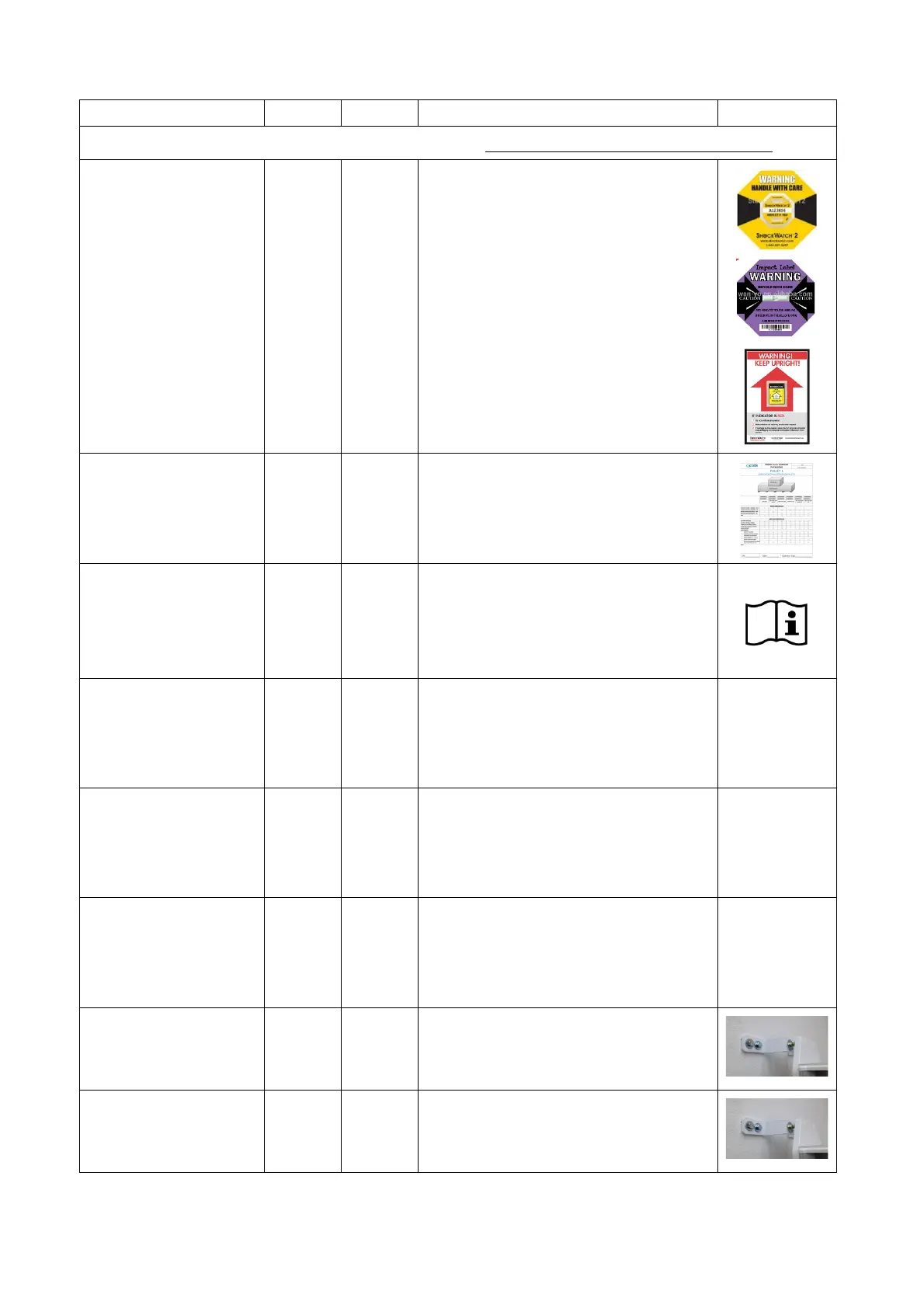
Verify that the packaging is not damaged
and the impact and tilt indicators (labels)
are not activated (red indicator).
It is recommended to take pictures of the
indicators.
Verify that all the parts are included in the
packaging (See the “XMIND trium
CONTENT PACKAGING” document,
included in the documentation)
Read:
Operator’s manual
Installation and
maintenance manual
AIS operator manual
Verify the manuals contained in the
specific folder on the workstation (3D
versions) or in the USB key (PAN, CEPH
versions)
Wall specifications
(for wall versions only)
The installation on wall must meet the
requirements specified in the installation
manuals and comply with local standards
Wall specifications
(for self-standing
versions only)
The installation must meet the
requirements specified in the installation
manuals and comply with local standards
The installation floor must meet the
requirements specified in the installation
manuals and comply with local standards
Wall mounting
(for wall versions only)
Verify the correct fixing of the wall
mounting screws (see installation manual
for tightening torque)
optional for self-standing
versions only
Verify the correct fixing of the wall
mounting screws.















 To Next Page