Hardware Manual
21
Step 2: Open the Dome Cover
NOTE: To avoid scratches or leaving fingerprints on the dome cover, it is recommended to retain
the plastic covering the dome cover until the camera is completely installed.
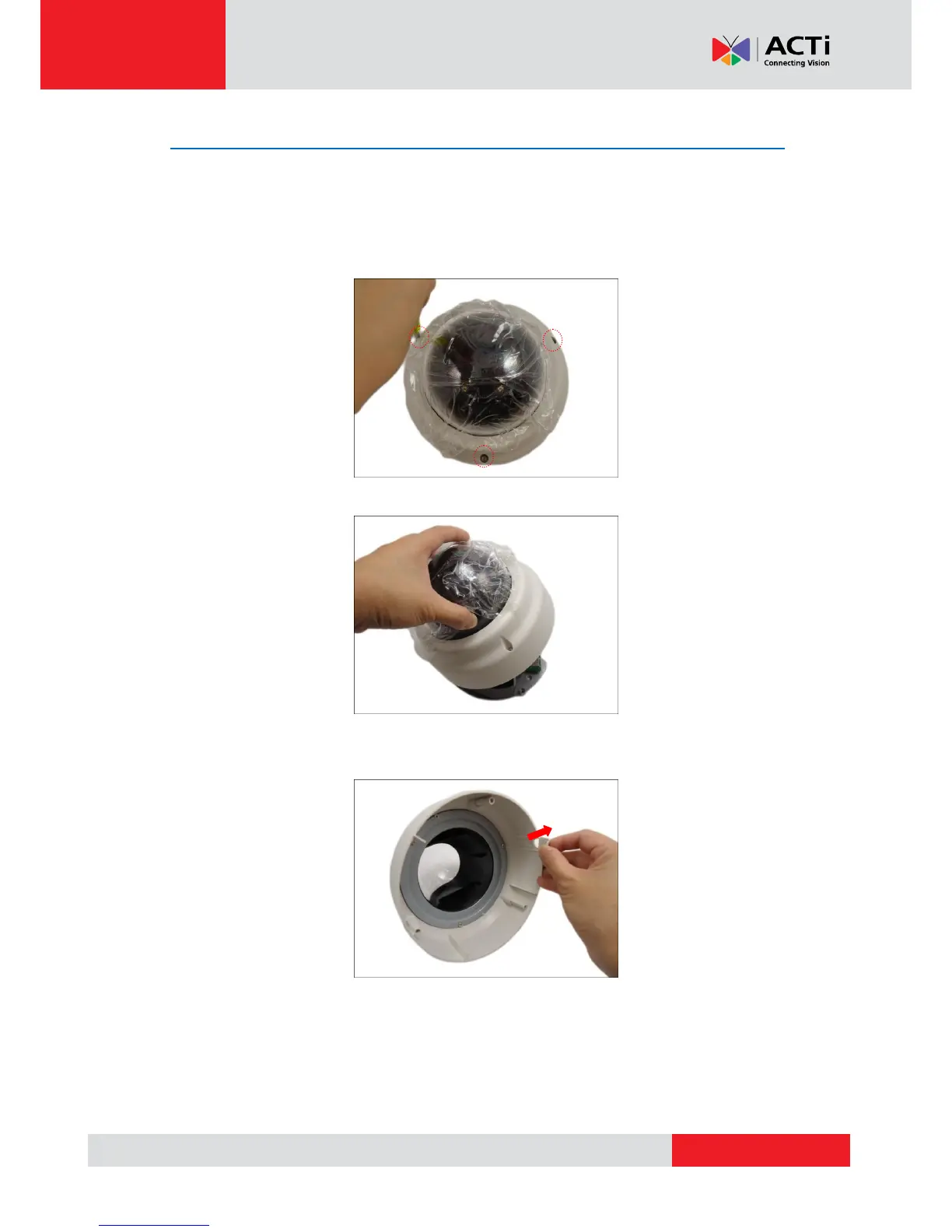
1. With the bundled hex screwdriver, loosen the three (3) screws securing the dome cover.
2. Lift to remove the dome cover.
3. If the cables will be routed along the ceiling or wall, remove the cable tab from the dome
cover.
4. If the cables will pass through the ceiling or wall, route and pull the cables through the
hole on the surface.



 To Next Page