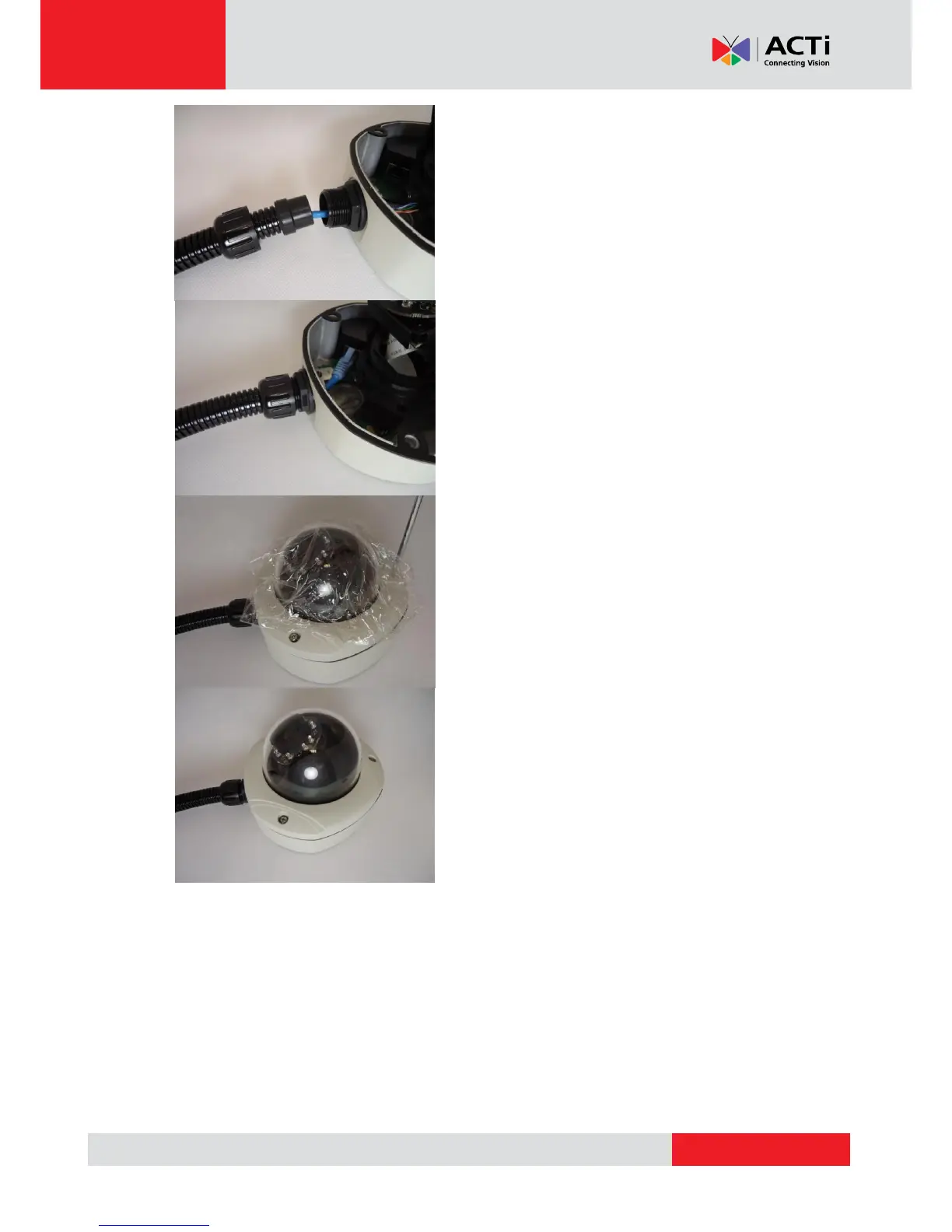
6. Connect the Ethernet cable to the camera’s
network port.
7. Push the head of the flex conduit, wrapped
with sealing insert, into the body of the
conduit gland.
8. Screw the clamping nut tightly onto the
body of the conduit gland.
9. Adjust the viewing angle and focus of the
camera and put the dome cover back on,
and tighten it by using the screws.
10. You have completed a fully waterproof
installation, the camera is now ready to
withstand even the most severe rain
storms.



 To Next Page