Hardware Manual
17
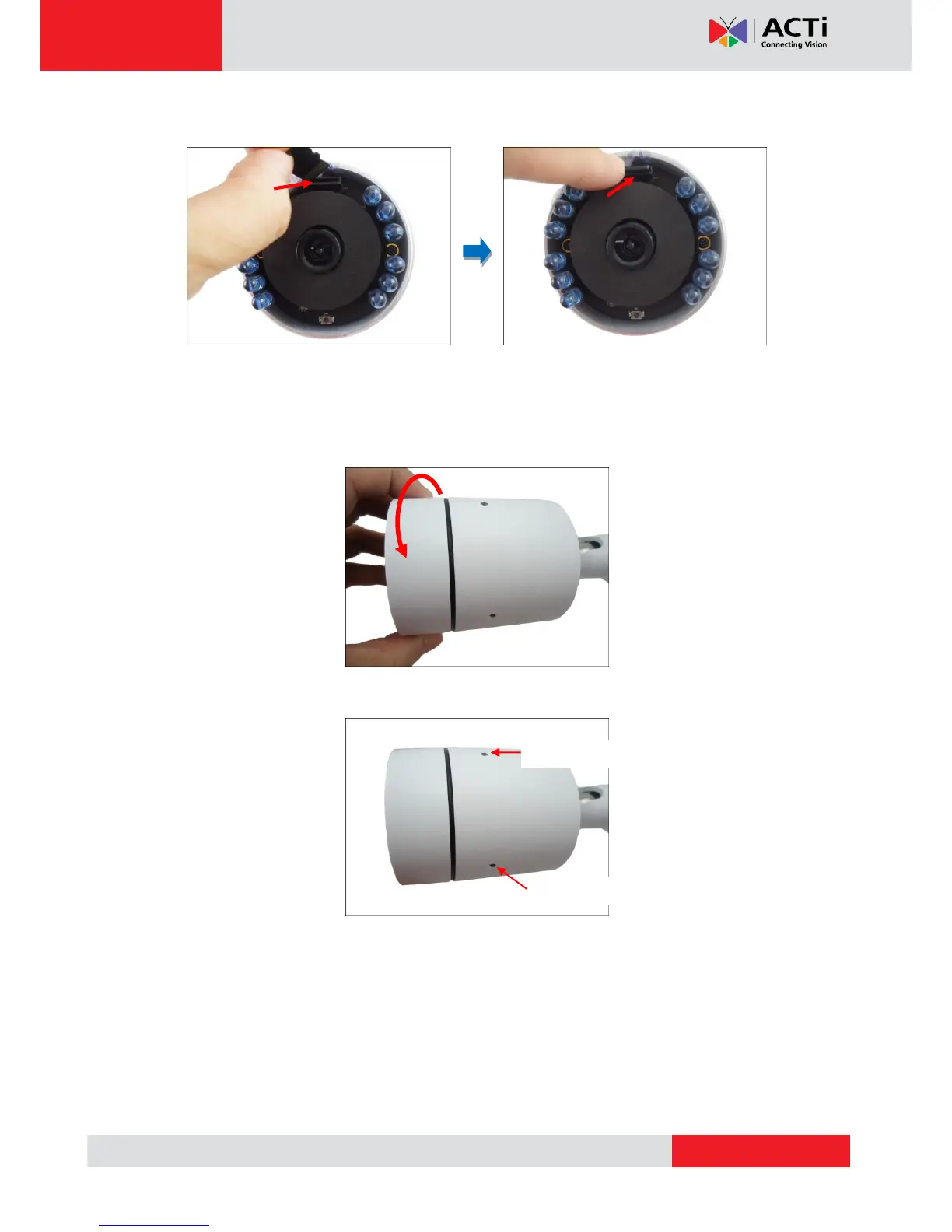
4. Insert the memory card with the metal contacts facing down the lens.
NOTE: It is recommended to retain the silicon bag inside the cover to keep the interior
parts dry.
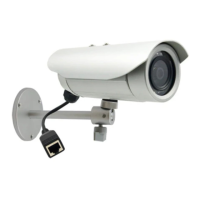
5. Tightly close the camera front cover.
6. Attach the sunshield.
NOTE: There are three (3) holes in which to attach the set screw, use any one of them
depending on the preferred viewing angle. The middle hole is used for horizontal view
format and the two (2) others are for corridor format.



 To Next Page