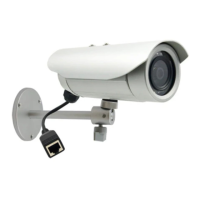
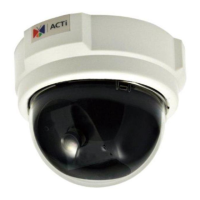
Need help?
Do you have a question about the ACTi E31A and is the answer not in the manual?
Covers reading instructions, warnings, servicing, trademarks, and liability.
Details on cleaning, accessories, installation, servicing, and safety checks.
Instructions for installing the camera's bundled bracket onto a surface.
Methods for waterproofing the camera cable connection for outdoor use.
Waterproofing method using a cable gland for round-shaped connectors.
Using a conduit gland and flexible conduit to protect camera cabling.
Procedure to reset the camera to its default factory settings.
 General
| Model | E31A |
|---|---|
| Camera Type | Dome |
| Sensor Type | CMOS |
| Lens Focal Length | 2.8 mm |
| Aperture | F2.0 |
| IR Cut Filter | Yes |
| IR LED | Yes |
| Day/Night | Yes |
| Audio | No |
| Ingress Protection | IP66 |
| Vandal Resistance | IK10 |
| Maximum Frame Rate | 30fps |
| Lens Type | Fixed |
| WDR | Yes |
| Local Storage | MicroSD card slot |
| Power Source | PoE (802.3af) |
| Video Compression | H.264, MJPEG |
| Network Interface | 10/100Mbps Ethernet |
| Power Supply | PoE |

 To Next Page