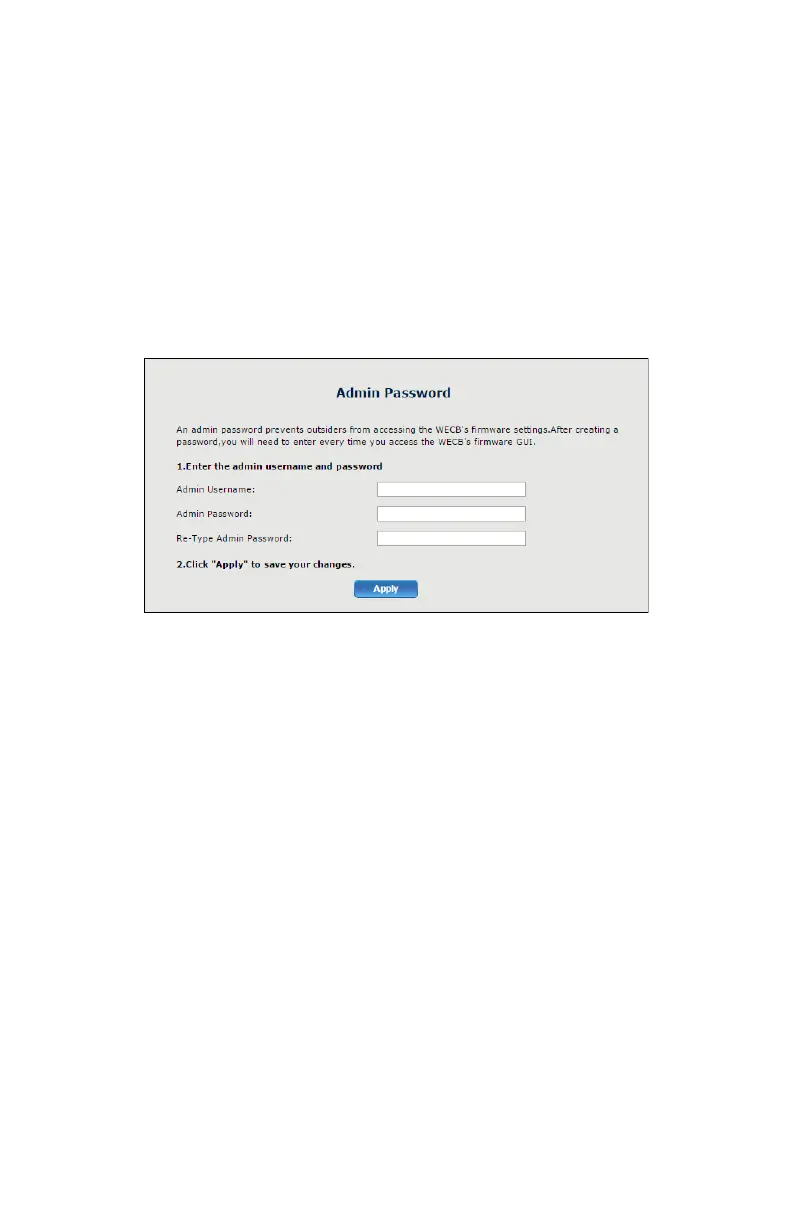
Change Password
e Change Password screen allows the user to change the password that
allows access to the GUI. To change, enter the current password, enter
and re-enter the new password, then click Apply. Be sure to write the
password down and keep it somewhere safe, as it will be needed to access
the Adapter’s GUI in the future.


 To Next Page