Factory Default
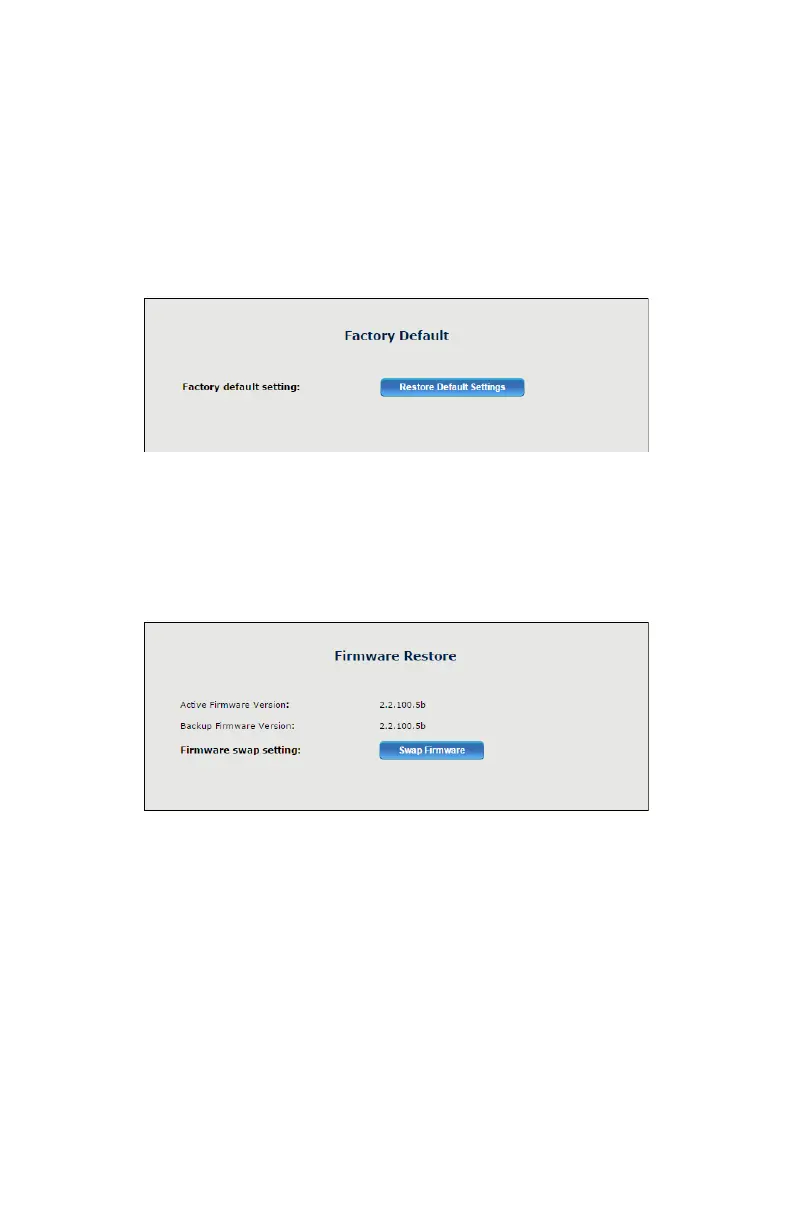
e Factory Default screen allows the Adapter’s factory default settings to
be reapplied, erasing all current settings. Click Restore Default Settings
to restore the Adapter to its factory default state.
Firmware Restore
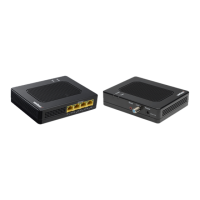
e Firmware Restore screen lists the active and backup rmware versions
available on the Adapter. Click Swap Firmware to switch the active
rmware to the backup rmware.


 To Next Page