9.
Make sure that the Power and Coax LEDs are illuminated solid green.
If the Coax LED does not turn green, there is no Internet signal
transmitting across the coaxial network, or the router does not
support MoCA.
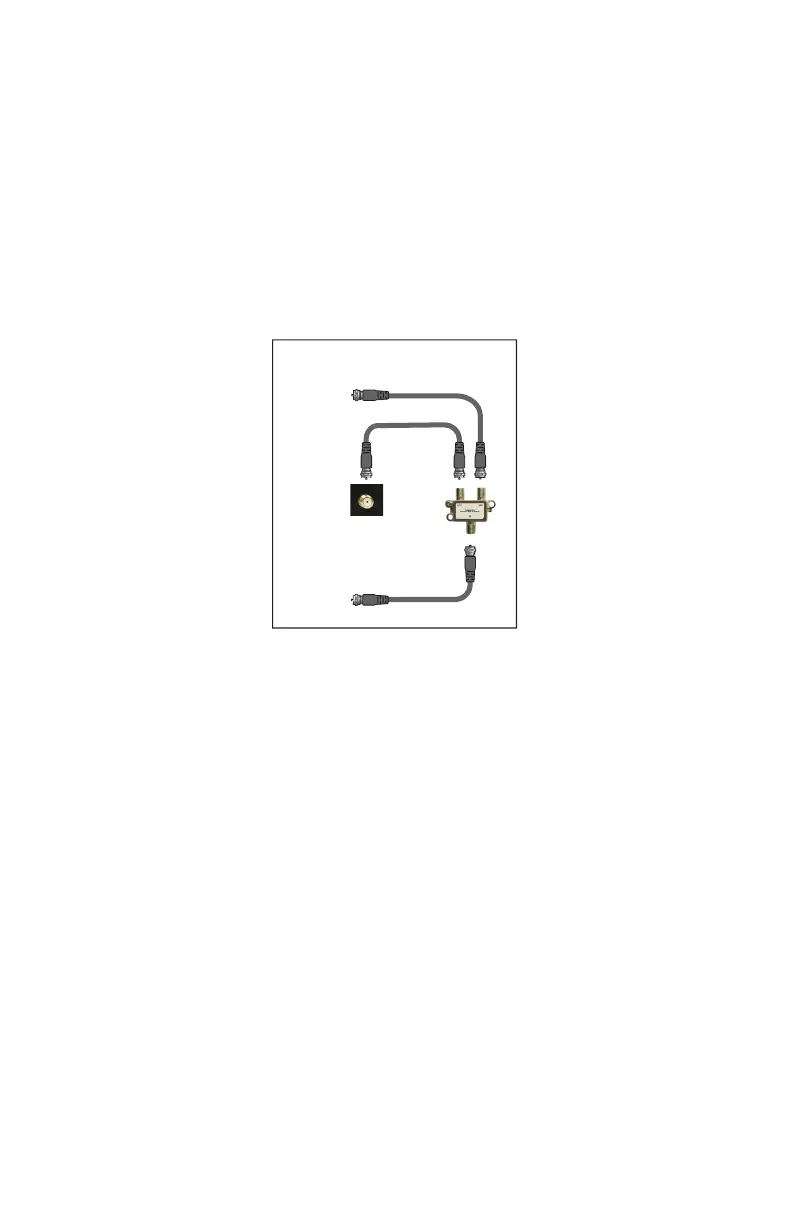
When nished, the setup should look like the gure on page 5, except for
the coaxial connections, which should look like the gure below:
Additional devices can be connected to the other Ethernet ports on !
the Adapter.
Connecting Additional Adapters
If necessary, additional Adapters can be placed at locations around the
home or oce that need an Ethernet Internet connection, but currently
only have a coaxial port. "


 To Next Page