Connecting to a Coaxial Port in Use
If another device is already using the coaxial wall port needed to plug in
the Adapter, perform the following steps:
1.
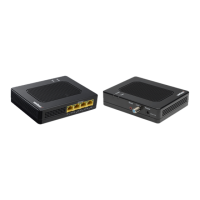
Get an Adapter.
2.
Disconnect the coaxial cable from the from the wall port.
3.
Connect a coaxial cable between the wall port and the single port on
a 2-way splitter.
4.
Connect the coaxial cable removed in step 4 to one of the dual ports
on the 2-way splitter.
5.
Connect a coaxial cable between the Adapter and the other dual port
of the 2-way splitter.
6.
Get the Adapter’s power adapter. Plug the appropriate end of the
power adapter into the Power port on the side of the Adapter, and
2
plug the other end into an electrical wall outlet.
7.
Plug one end of an Ethernet cable into the Ethernet port on the side
of the Adapter.
8.
Locate the device to connect to the Internet. Plug the other end of the
Ethernet cable into an open Ethernet port on the device.


 To Next Page