Verizon Online
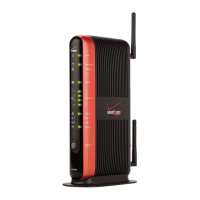
4 Troubleshooting the Actiontec M1424WR Router
Using the WAN Light to Troubleshoot the M1424WR Actiontec Router.
1. Verify that your Ethernet cable connection to the Ethernet WAN port on the back panel of the
router is secure.
2. Check the connection where the Ethernet cable connects to your FiOS connection.
3. If the Ethernet WAN light is now illuminated but you can't connect to the Internet, continue
with Step 4
.
4. If the Ethernet WAN light remains off, contact Verizon technical support at 888-553-1555.




 To Next Page