
 Need help?
Do you have a question about the ActivePure F170A and is the answer not in the manual?
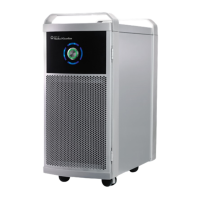
Highlights flow-through design, multi-point ionization, carbon filtration, HEPA filter, UVGI bulbs, and durable construction.
Provides warnings on placement and clearance requirements for optimal airflow and safe operation.
Step-by-step guide for safely removing and disposing of the used HEPA filter and cleaning the device.
Instructions for disinfecting the device surfaces using a recommended disinfectant spray.
Detailed steps for safely replacing the ActivePure Cell module and resetting indicator lights.
Procedure to reset the filter and ActivePure Cell replacement indicator lights.
Lists part numbers for essential replacement components like HEPA filters and ActivePure Cells.
Answers common user queries regarding device operation, fan speed, display, and maintenance.
 General
| Brand | ActivePure |
|---|---|
| Model | F170A |
| Category | Medical Equipment |
| Language | English |

 To Next Page