Using the Device
28
User Guide
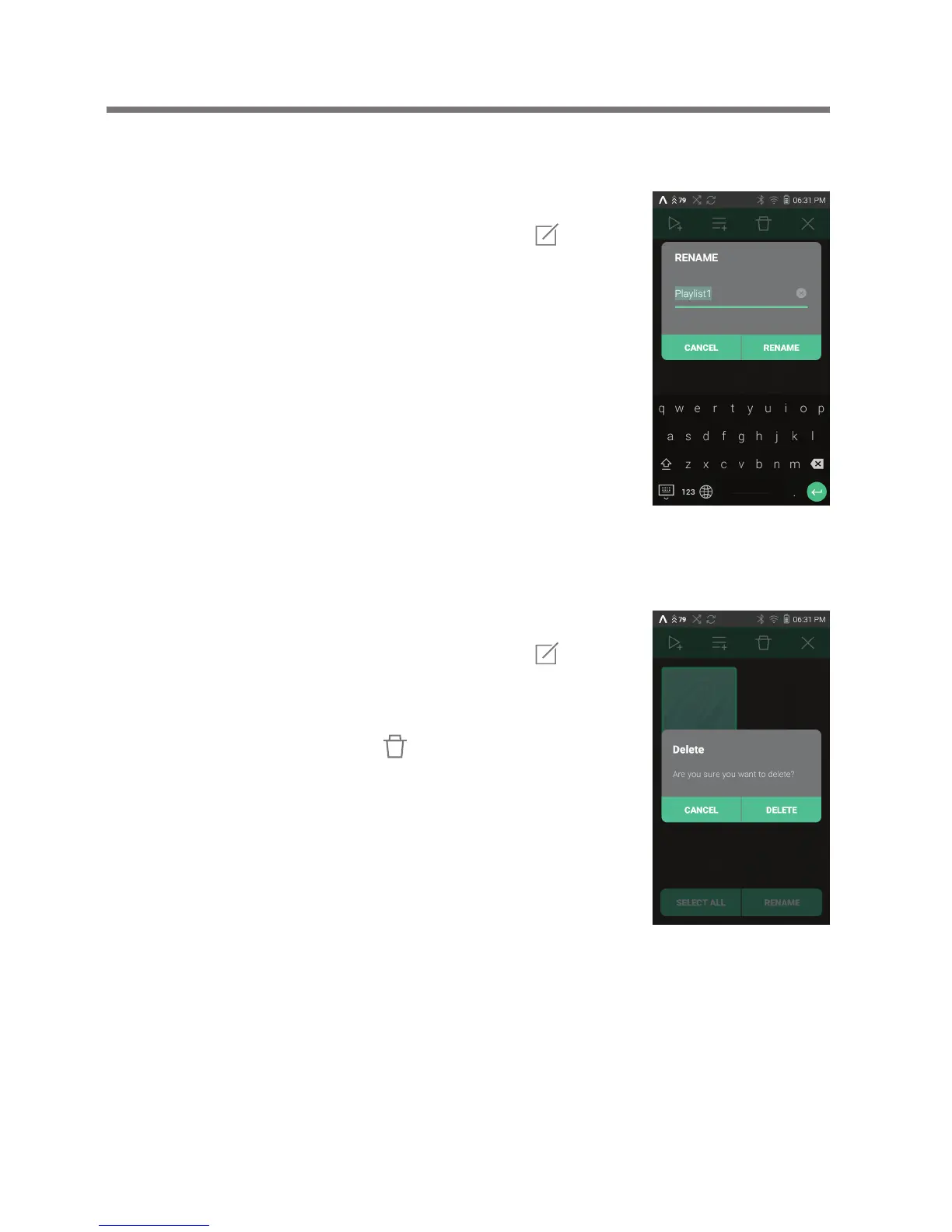
Renaming a Playlist
Deleting a Playlist
1. Press [Playlists] to display a list
of playlists, then press [ ]
at the top of the screen.
2. Select the playlist to be deleted.
3. Press [ ] at the top of the screen
to delete the selected playlist.
1. Press [Playlists] to display a list
of playlists, then press [ ]
at the top of the screen.
2. Select the playlist to be renamed.
3. Press [Rename] at the bottom of
the screen to display a rename
window.
4. Enter a name for the playlist,
then press [Rename] to save the
playlist under the new name.


 To Next Page