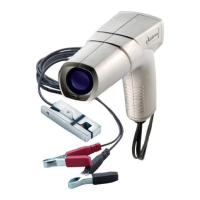
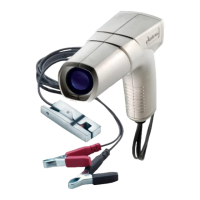
ADVANCE TIMING LIGHT
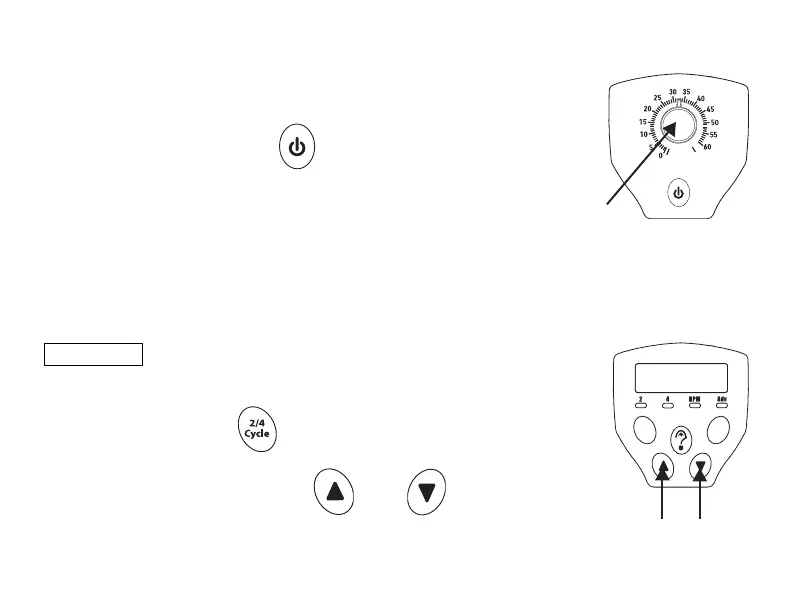
1. Press and hold down button.
2. View timing marks. Turn advance knob until
moving mark is aligned with stationary 0 degree
timing mark (Top Dead Center).
3. Write down initial timing from dial on timing light.
DIGITAL TIMING LIGHT
When connected to the battery, the timing light
defaults to the 4-cycle, tachometer mode.
1. Press and release button until ADV indicator lights.
2. View timing marks. Push and buttons until
moving mark is aligned with stationary 0 degree mark.
3. Write down initial timing from timing light display.
2/4
Cycle
RPM
Adv
Advance
Knob
12
IMPORTANT


 To Next Page