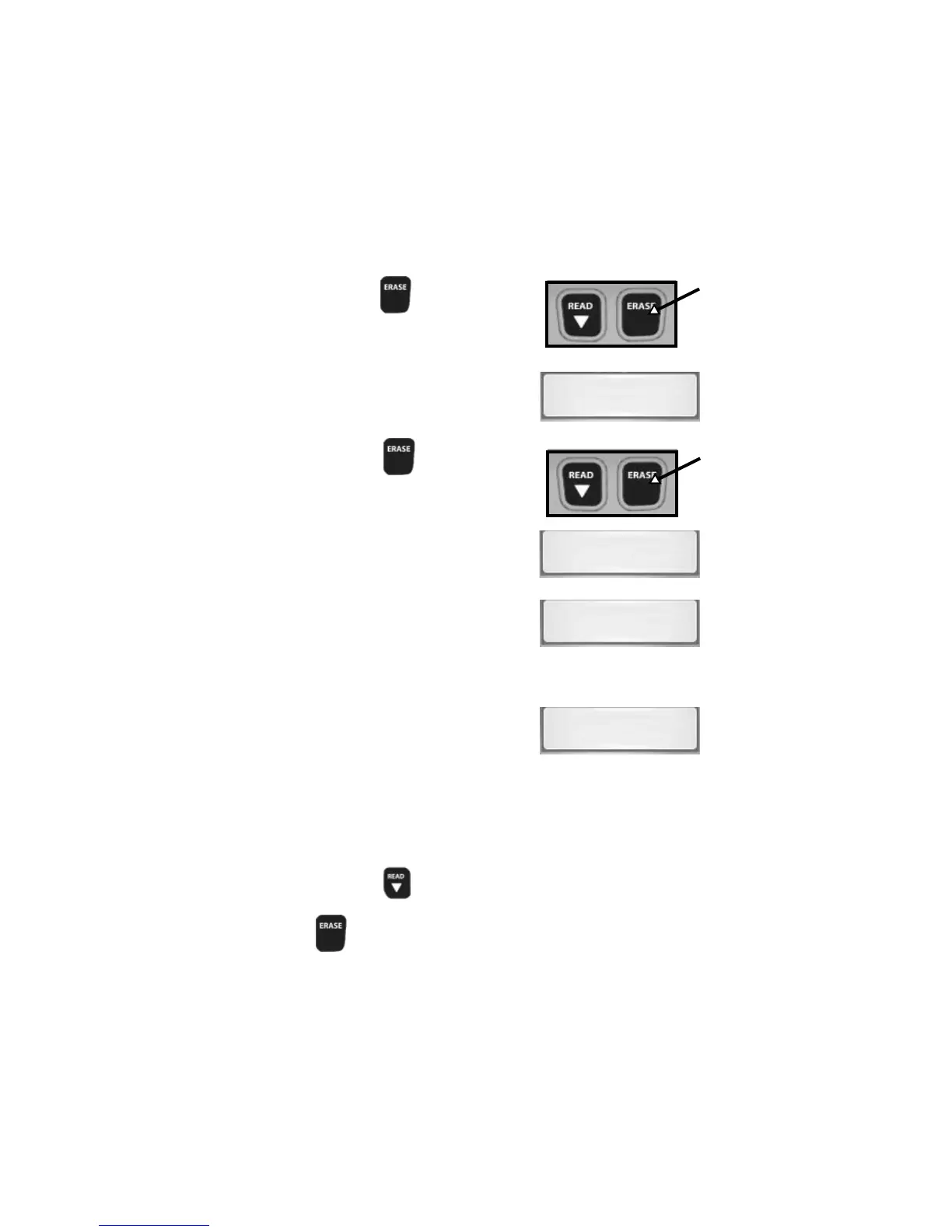
5.Press and Hold
ERASEERASE
ERASEERASE
ERASE Key for
3 Seconds and Release.
6.Observe “
ERASE?ERASE?
ERASE?ERASE?
ERASE?” Displays.
7.Press and Hold
ERASEERASE
ERASEERASE
ERASE Key
for 3 Seconds and Release.
8.Observe a Moving
-
on Display.
NOTE: If a “NO LINK” message
displays, cycle ignition key to
the OFF position for 10
seconds, then back ON, and
repeat “Erasing Diagnostic Data.”
9.Observe “
DONEDONE
DONEDONE
DONE” Displays.
NOTE: If the problem causing Diagnostic Trouble Code(s) still
exists, the code will return. The Diagnostic Trouble
Code may return immediately or may return after vehicle
has been driven.
NOTE: Pressing
READ READ
READ READ
READ
/Scr/Scr
/Scr/Scr
/Scr
oll Dooll Do
oll Dooll Do
oll Do
wnwn
wnwn
wn key will read
Diagnostic Trouble Codes and Data and Holding
ERASEERASE
ERASEERASE
ERASE key will erase results again.
11
ERASE?
-
DONE
NO LINK


 To Next Page