1312
Menu
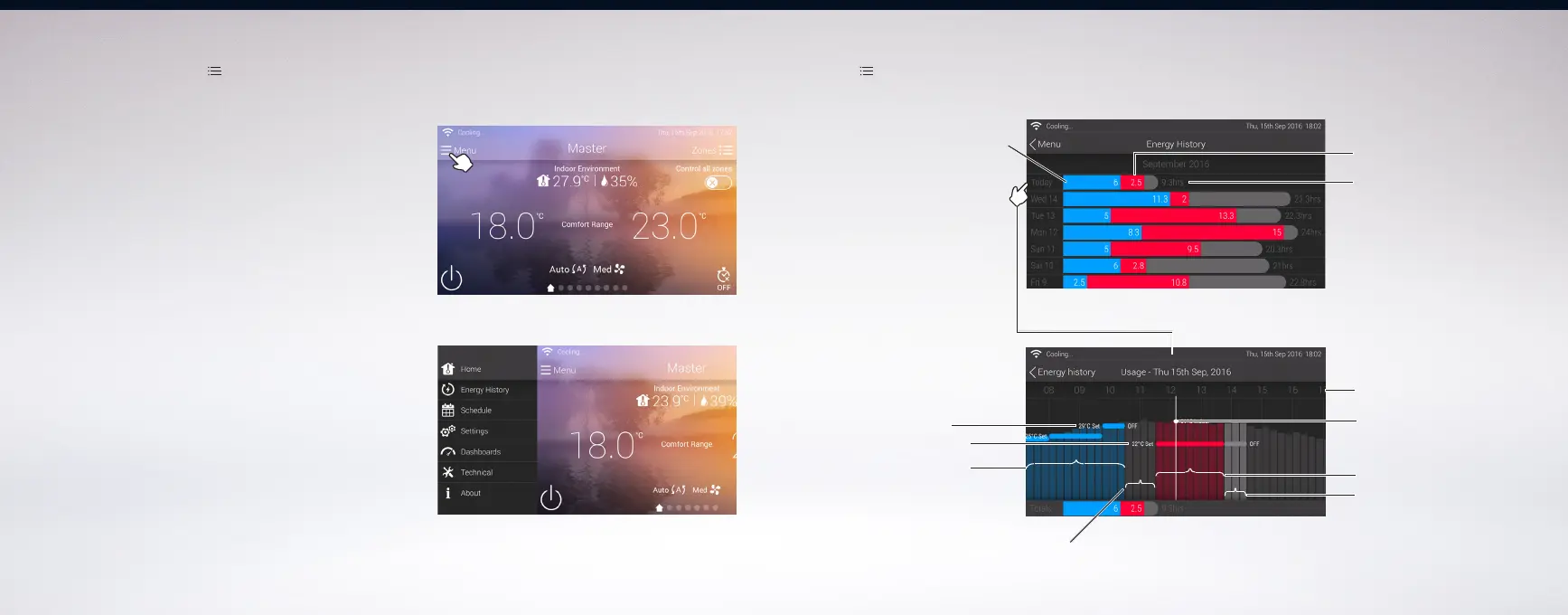
Touch ‘ Menu ’ > Energy History
NOTE: Only available if the system is connected to an account and internet.
Total number of hours
system is ON
Total number of hours
system is heating (RED)
Total number of hours
system is cooling (BLUE)
Week View
Detailed Day View
Touch a day to show
detailed day view
Time
System is heating (All red bars)
System is on stand by
(Light grey bars)
Actual Indoor
Ambient Reading
(Top of the bars)
System is off
(All dark grey bars)
System is cooling
(All blue bars)
Cool set temp
Heating set temp
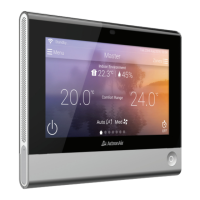
On the display screen, touch the ‘ Menu ’ to reveal other controller
features and functions.
Home - Touch to go back to main screen.
Energy History - To view the historical usage of the system.
This feature is only available when the main controller is logged
into an account and connected to the internet.
Schedule - To use the advanced 7-day programming.
Settings - To change system preferences.
Dashboards - To view operational status of major system components.
Technical - This section is for experienced service technicians only.
About - Other information about the system.
NOTE:
Some items in the MENU are advanced or technical in nature, reserved for
experienced installers or service technicians only. Avoid making adjustments
on these functions as this may affect the operation and performance of
your system.
Energy History


 To Next Page