Installation Guide Easyconnect App
Installation Guide - Easyconnect App
Document: 9590-4008 Ver. 6 230501
8
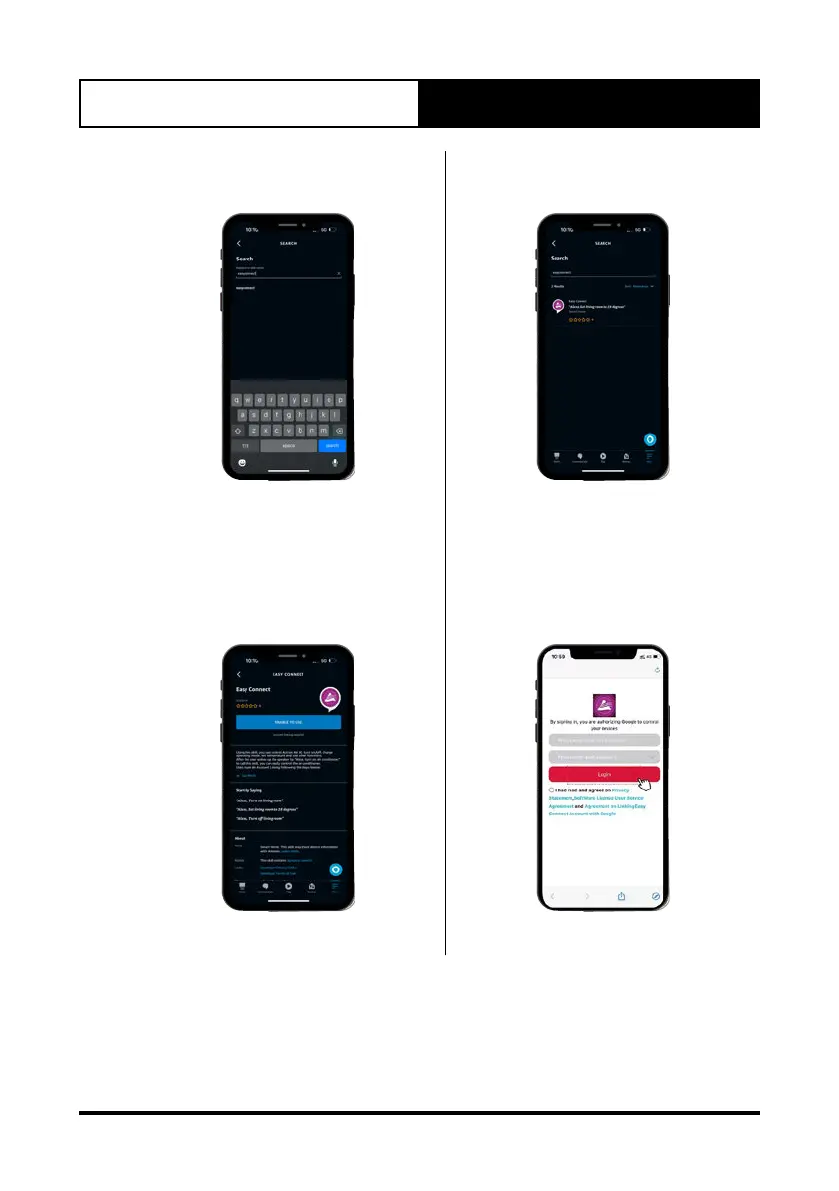
5. Search for “easyconnect” skill. 6. Select Easyconnect” from the
results list.
7. Once you have selected
EasyConnect from the results list,
click on “Enable to Use” button
which will take you to the next
step.
8. A login prompt for easyconnect
will appear, login with your
Easyconnect app credentials.



 To Next Page