10
lc'=38 PM
SET
UNIT57
•
ox
....
ox
....
ox
lc'=38 PM
wrf~]
ox
mPH
.
....
ox
....
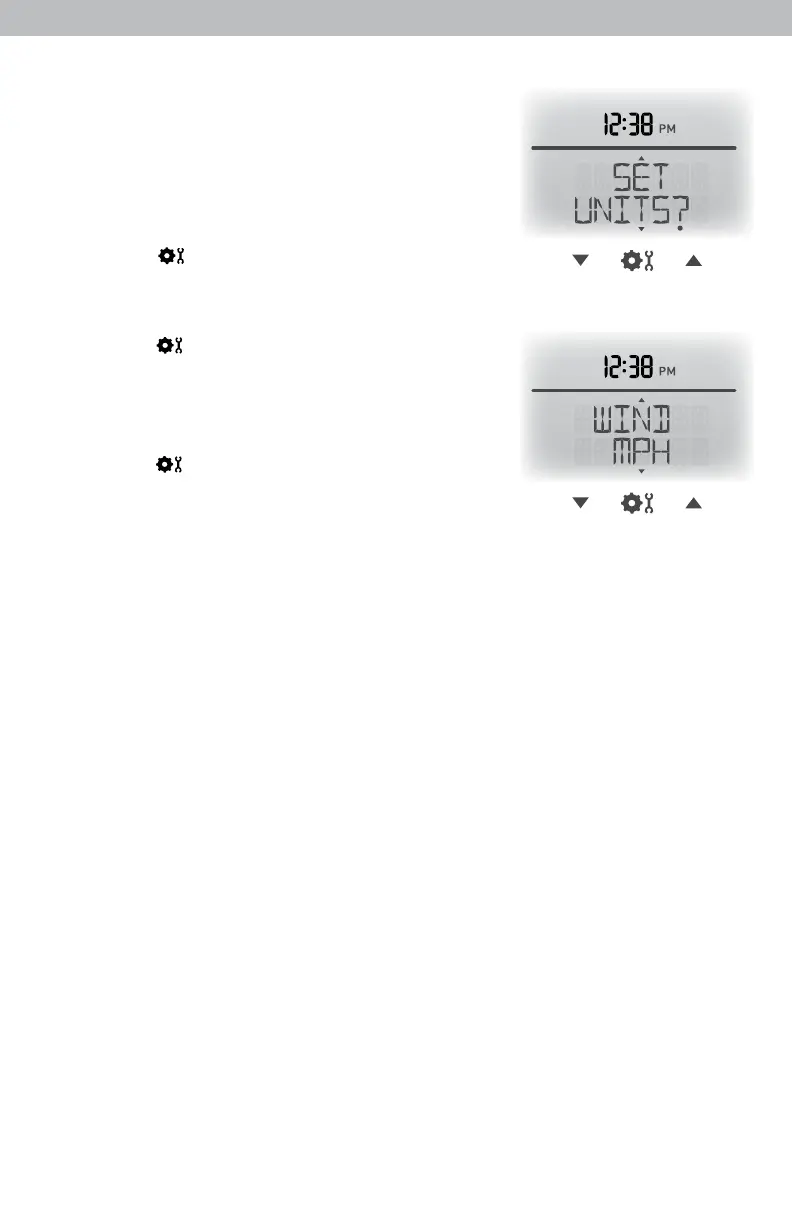
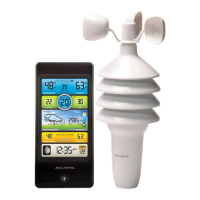
Select Measurement Units
To select between standard units (mph, ºF, etc.) or
metric units (kph, ºC, etc.):
1. Press the up or down arrow buttons until
“SET UNITS?” is displayed on the Selectable
Category part of the display unit.
2. Press the “ ” button to set the unit preference.
3. Press the up or down arrows to select “STAND”
for standard or “METRIC” for metric units.
4. Press the “ ” button to conrm your selection.
5. Next, you will see “WIND MPH”. Press the up
or down arrows to select MPH, KPH, or KNOTS
for wind speed units.
6. Press the “ ” button to conrm your selection.
Units are now set.


 To Next Page