12
Using the Professional Weather Center
Learning Mode
Self-Calibrating Forecasting use a unique algorithm to analyze changes in pressure over
a time period (called Learning Mode) to determine your altitude. After 14 days, the
Learning Mode icon disappears from the display screen. At this point, the self-calibrated
pressure is tuned in to your location and the unit is ready for superior weather prediction.
Weather Forecast
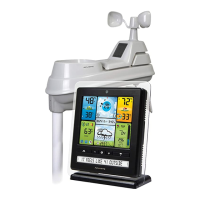
AcuRite’s patented Self-Calibrating Forecasting provides your personal forecast of
weather conditions for the next 12 to 24 hours by collecting data from the sensor in
your backyard. It generates a forecast with pinpoint accuracy - personalized for your
exact location.
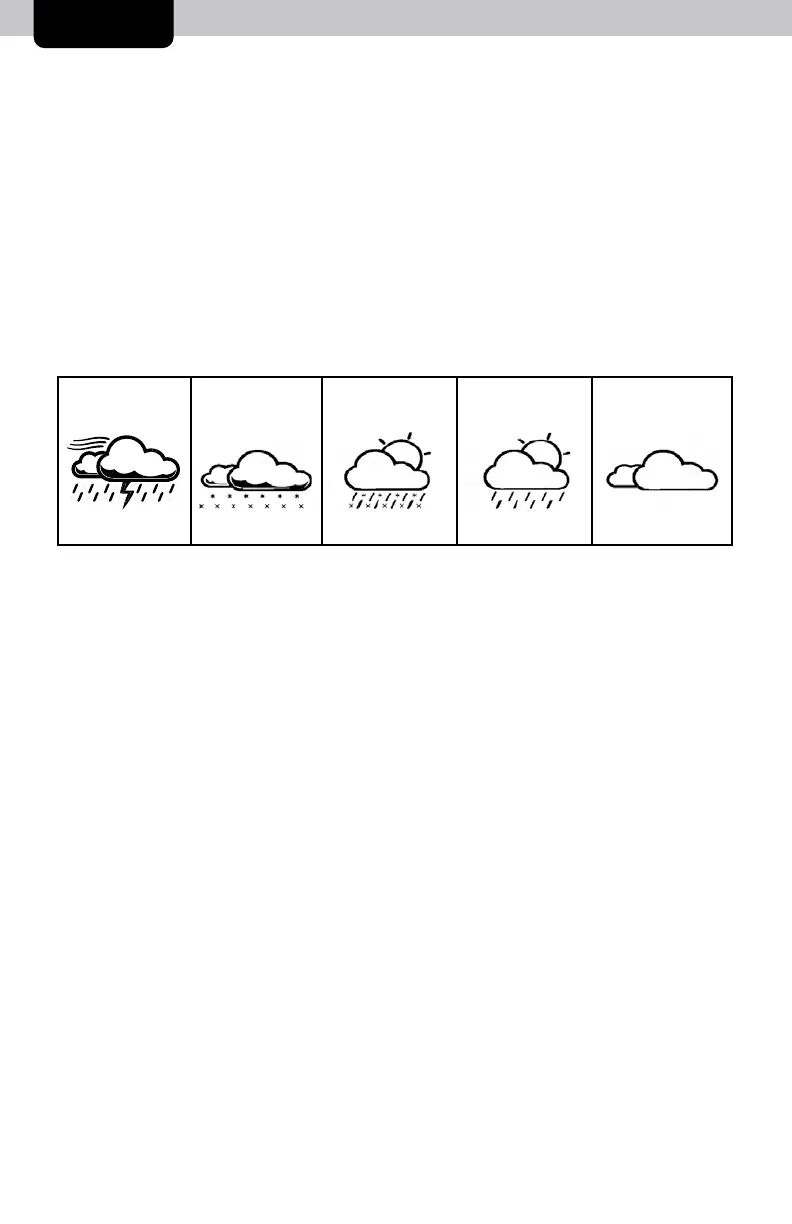
View the complete list of icons at www.AcuRite.com/acurite-icons
Barometric Pressure
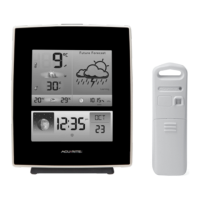
Subtle variations in barometric pressure greatly affect the weather. This weather center
displays the current pressure with an arrow icon to indicate the direction the pressure is
trending (FALLING, STEADY, or RISING).
SNOW / RAIN
MIX LIKELY
RAIN
LIKELY
SNOW
LIKELY
STORMY
& WINDY
MOSTLY
CLOUDY
(flashing=stormy)
OPERATION



 To Next Page