18
Troubleshooting
Problem Possible Solution
Inaccurate
temperature or
humidity
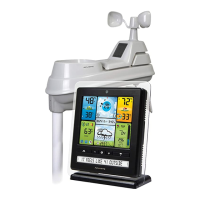
• Make sure both the display unit and 5-in-1 sensor are
placed away from any heat sources or vents
(see page 12).
• Make sure both units are positioned away from
moisture sources (see page 12).
• Make sure 5-in-1 sensor is mounted at least 5 ft off of
the ground.
• Calibrate indoor and outdoor temperature and
humidity (see page 20).
No rainfall
• Check to ensure the rain gauge stabilizer (plastic tab)
has been removed from the bottom of the sensor (see
page 7).
• Clear debris, such as leaves, out of the rain collector
funnel and debris screen.
• Calibrate the Rain Gauge (see page 21).
Inaccurate wind
readings
• What is wind reading being compared to? Pro
weather stations are typically mounted at 30 ft high
or more. Make sure to compare data using a sensor
positioned at the same mounting height.
• Check location of the sensor. Ensure it’s mounted a
minimum of 5 ft in the air with no obstructions around
it (within several feet).
•Ensure wind cups are spinning freely. If they hesitate
or stop try lubricating with graphite powder or spray
lubricant.
Display screen
not working
• Check that the batteries are installed correctly.
Batteries may need to be replaced.
• Reset the display by pressing and holding the CLEAR
RECORD / RESET button, located in the battery
compartment of the display unit. Date and time will
need to be entered after a reset.


 To Next Page