Operation
4
TThhee vviissuuaall iinnddiiccaattiioonnss aarree bbaasseedd oonn tthhee aassssuummppttiioonn tthhaatt tthhee PPiinnkk
wwiirree ((IInnddiiccaattoorrss)) aanndd tthhee BBllaacckk//RReedd wwiirreess ((LLEEDD)) hhaavvee bbeeeenn
ccoonnnneecctteedd ((SSeeee ppaaggee 33))..
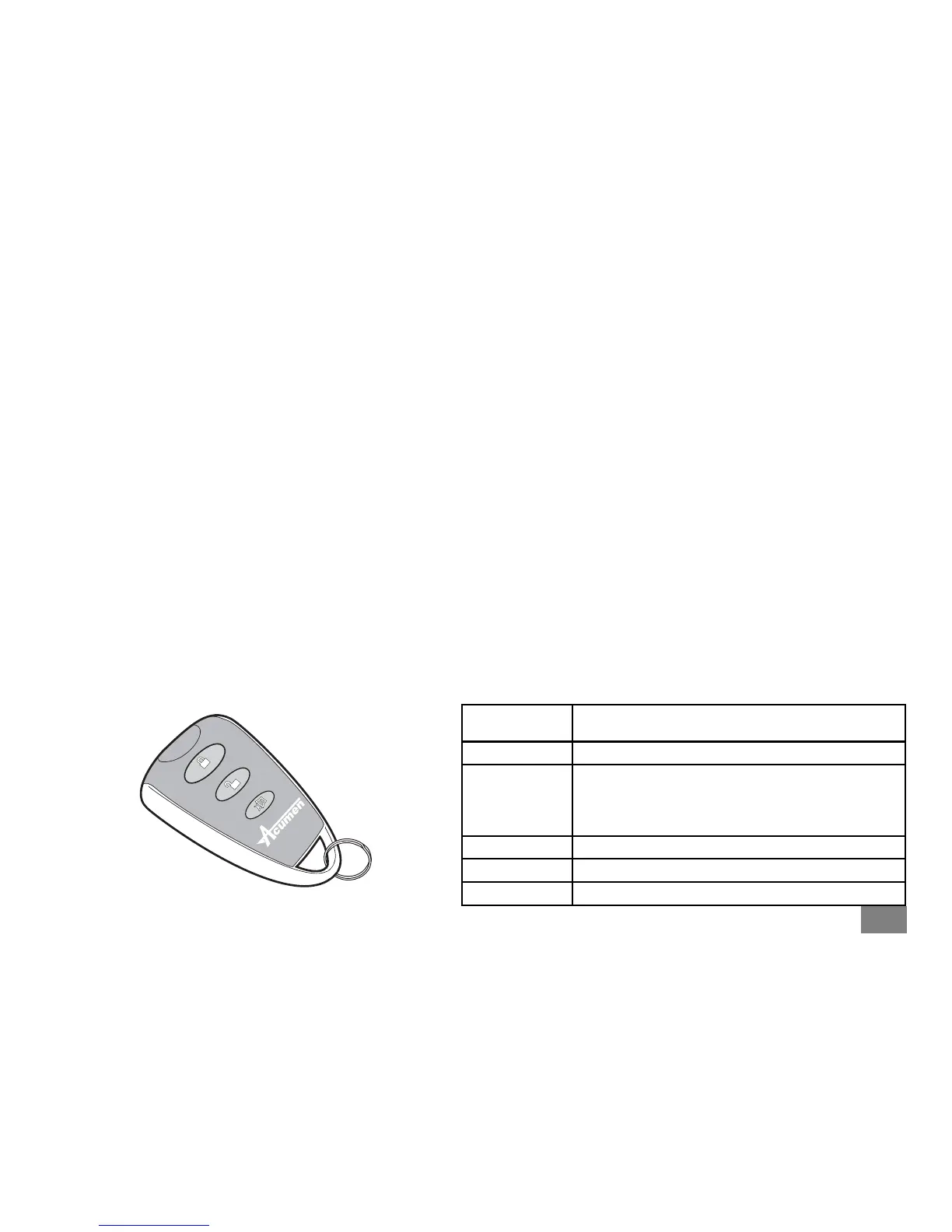
The standard key fob has three buttons; Lock, Unlock and Silent.
TToo AArrmm tthhee ssyysstteemm..
Press the Lock button of the fob. The alarm will beep twice and
flash the indicators twice. The system LED will start to flash after 5
seconds and the unit will monitor hot-wire, accessory switch,
movement and nudge. (The system will not arm if the ignition is
switched on).
TToo DDiissaarrmm tthhee ssyysstteemm..
Press the Unlock button. The system will give one short beep and
flash the indicators once.
NNOOTTEE
If the system gives one long beep this means the alarm has
been sounding. Enter diagnostics mode to find the reason why.
Convenience (Ferry) Mode
In Convenience mode the movement/nudge sensor will cease to function.
With the alarm active, press the Silent button. You will get one long tone and
one flash of the indicators.
If the LED flashes once/per second the movement sensing is active
If the LED flashes once every two seconds, the movement sensing is disabled.
You can ‘toggle’ between Convenience Mode enabled and disabled by simply
pressing the silent button.
Diagnostics Mode
It is possible to determine the trigger source that caused the alarm to sound.
Only the last reason is recorded.
Diagnostic mode can be accessed two ways;
a. When the alarm is sounding the LED will flash a number of times, pause,
then flash the same number again. This will go 30 seconds until the
system stops sounding.
b. Alternatively, disarm the alarm and then press the silent button. The LED
will flash a number of times and the system will beep the same number of
times. Every time you press the silent button the system will flash/beep in
accordance with the following table.
NNuummbbeerr ooff
FFllaasshheess//BBeeeeppss
TTrriiggggeerr RReeaassoonn
1 No Triggers in last armed period
2
Power was interrupted (The CAT3.1 does not have an
internal battery but if the power is disconnected
when the unit is armed, and then re-connected it will
give a reaction.)
3 Ignition turned on or hot-wired
4 Movement
5 Accessory switch was operated


 To Next Page
 Loading...