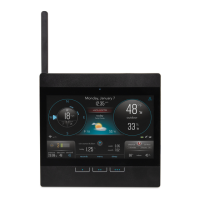
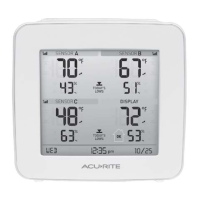
Set Reading Calibration
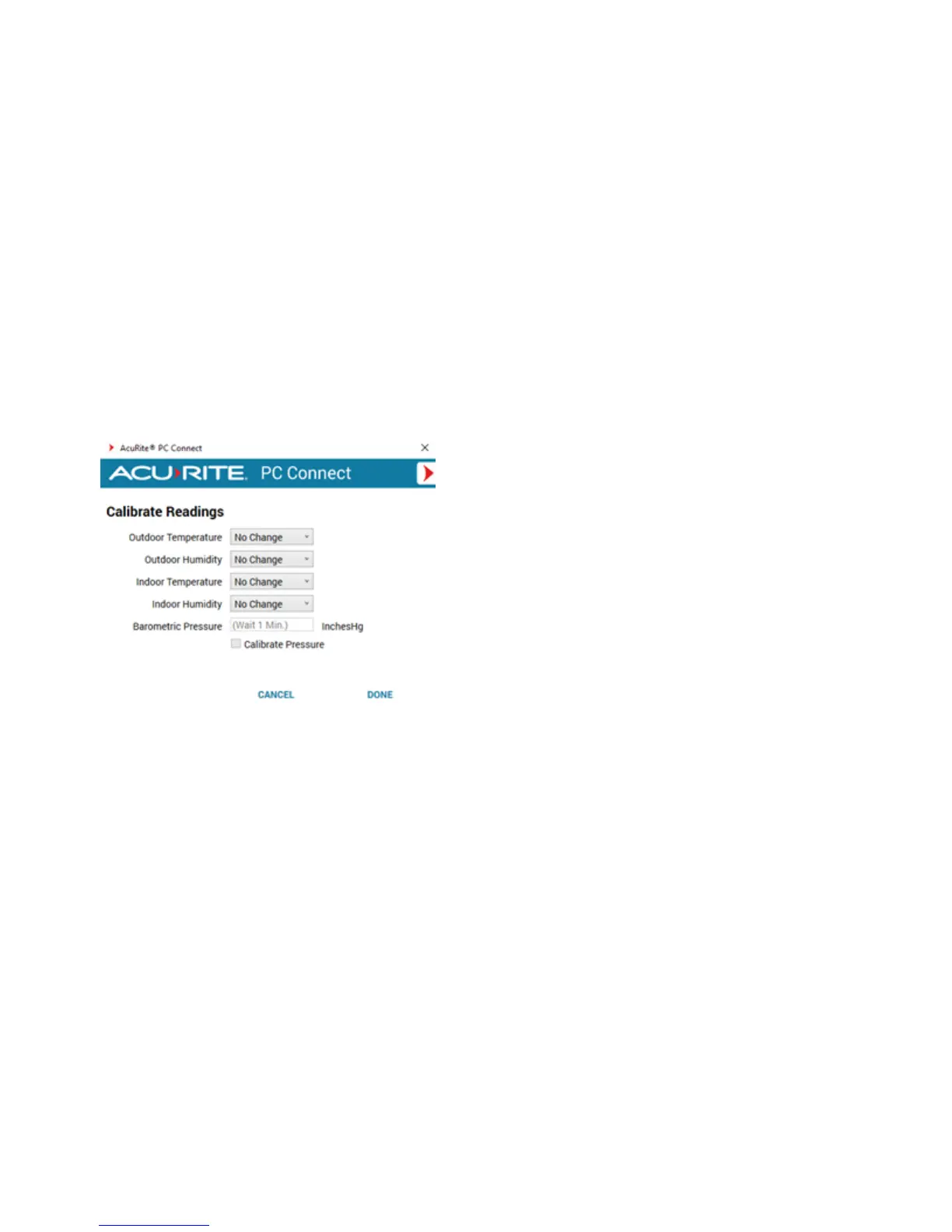
When sensor placement or an environmental factor may impact readings, setting a reading calibration can improve
accuracy. Calibrated readings aare shared with My AcuRite and Weather Underground, and stored in the Data
Transfer CSV file.
You can set a reading type to a positive or negative degree of calibration. When a reading calibration is adjusted, the
reading is offset by the set amount. For example, setting the temperature calibration to a -10 results in its readings to
be displayed as 10 degrees less.
How to set reading calibrations
1. From the Preferences section, select Calibrate Readings (+/-).
2. Set the reading calibration(s).
3. Select DONE to save your changes.


 To Next Page