5
Set the Time, Date & Units
Press and release the “SET” button, located on the back of the display, to enter
SET MODE. Once in set mode, the preference you are currently setting will
blink on the display.
o adust the current seected ashing item, press and reease the “ “ or
“ “ buttons press and to fast adust.
To save your adjustments, press and release the “SET” button again to adjust
the next preference. The preference set order is as follows:
AUTO DST (Daylight Saving Time ON or OFF)*
R
N
ANAR N
ANAR A
ANAR AR
TEMPERATURE UNITS (ºF or ºC)
*If you live in an area that observes DST, DST should be set to ON, even if it is
not currently Daylight Saving Time.
You will automatically exit SET MODE if no buttons are pressed for 10 seconds.
Enter SET MODE at any time by pressing the “SET” button.
Expand the System
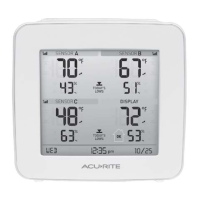
The display features built-in sensors for measuring temperature at its location.
The display can be expanded to track additional areas by using compatible
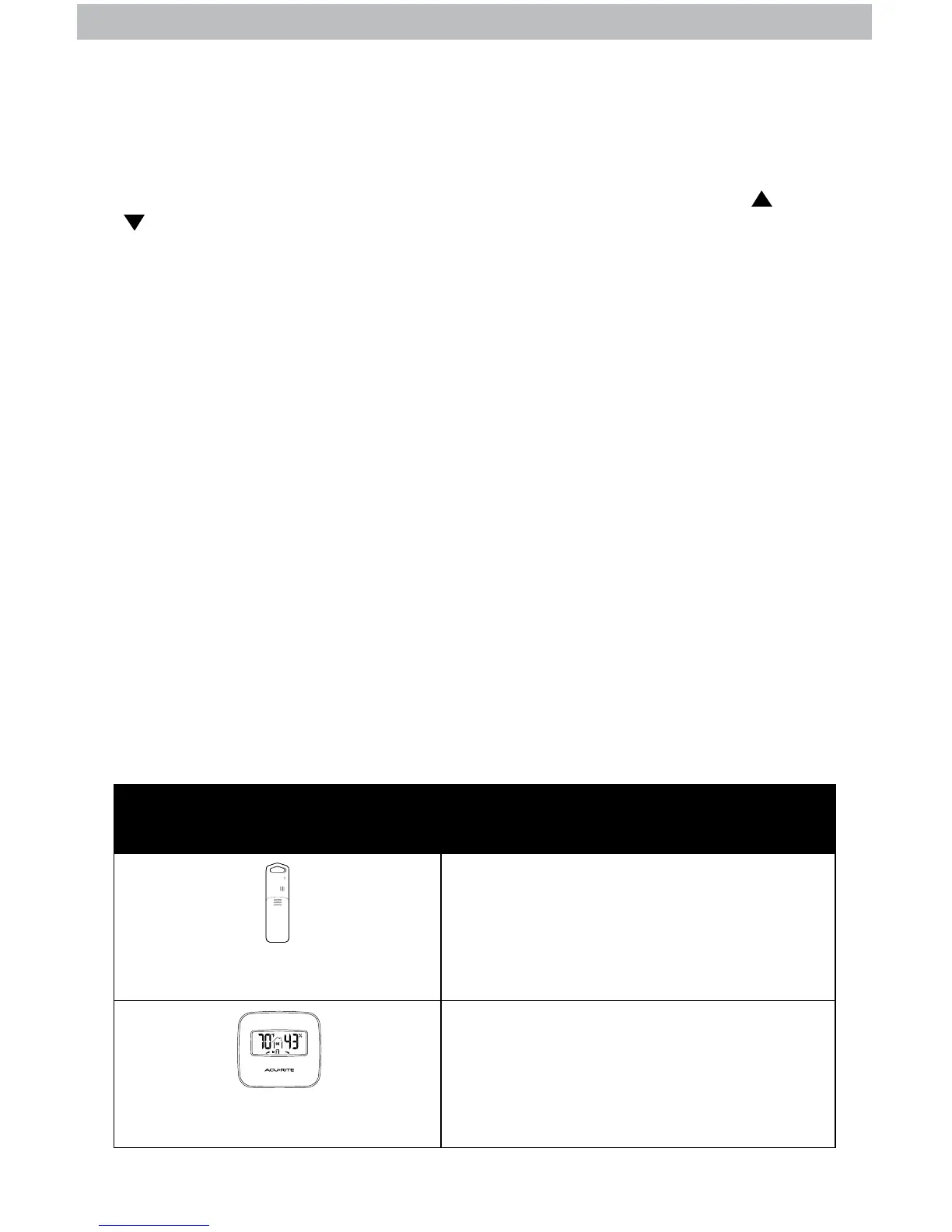
Temperature & Humidity Sensors (optional; sold separately). Add up to 3
indoor/outdoor sensors to observe conditions in additional locations within
330 ft (100 m).
Compatible Sensors are available at: www.AcuRite.com
Compatible Sensors Features:
Temperature & Humidity Sensor
Model 06002
Temperature & Humidity Sensor
Model 06044
• Measures temperature and humidity
• Weather-resistant for indoor and
outdoor applications
• Integrated digital display for conditions
at a glance
• Measures temperature and humidity
• For indoor applications


 To Next Page