6
Placement for Maximum Accuracy
AcuRite products are sensitive to surrounding environmental conditions. Proper
placement is critical to the accuracy and performance of this product.
Display Placement
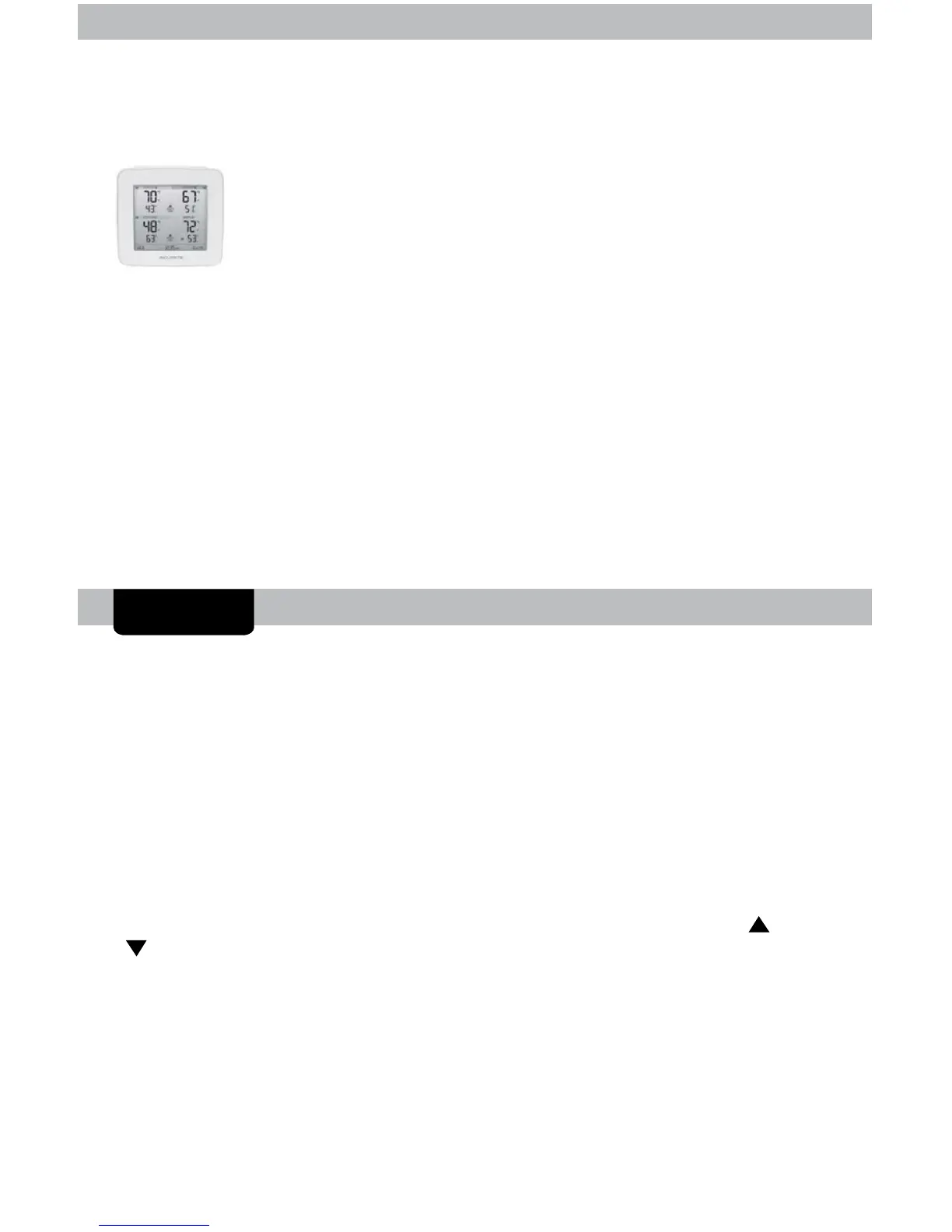
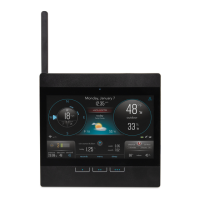
Place the display in a dry area free of dirt and dust. Display
stands upright for tabletop use and is wall-mountable.
Important Placement Guidelines
• To ensure accurate temperature measurement, place product out of direct
sunlight and away from any heat sources or vents.
• Display and add-on sensors must be within 330 ft (100 m) of each other.
• To maximize wireless range, place product away from large metallic items,
thick walls, metal surfaces, or other objects that may limit wireless
communication.
• To prevent wireless interference, place product at least 3 ft (.9 m) away from
electronic devices (TV, computer, microwave, radio, etc.).
Using the Home Environment Display
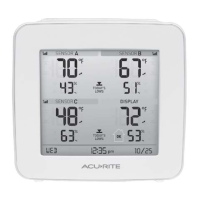
High & Low Records
odas high and o records are dispaed for dispa and sensor
temperature and humidit. odas records automatica cear at am
midnight every day.
ress the RR button to vie todas recorded vaues for
temperature and humidit. ress again to vie todas recorded vaues.
You will automatically exit the record view if no buttons are pressed for 5
seconds.
o manua cear or records, press and both the “ “ and
“ “ buttons simultaneously for 3 seconds while viewing the records you wish
to cear. ashes dispa to conrm ou have ceared the records.
OPERATION


 To Next Page