User’s Guide: USB
Xchange
•
12
Uninstalling the USB
Xchange
Driver for Windows 98 and
Windows 2000
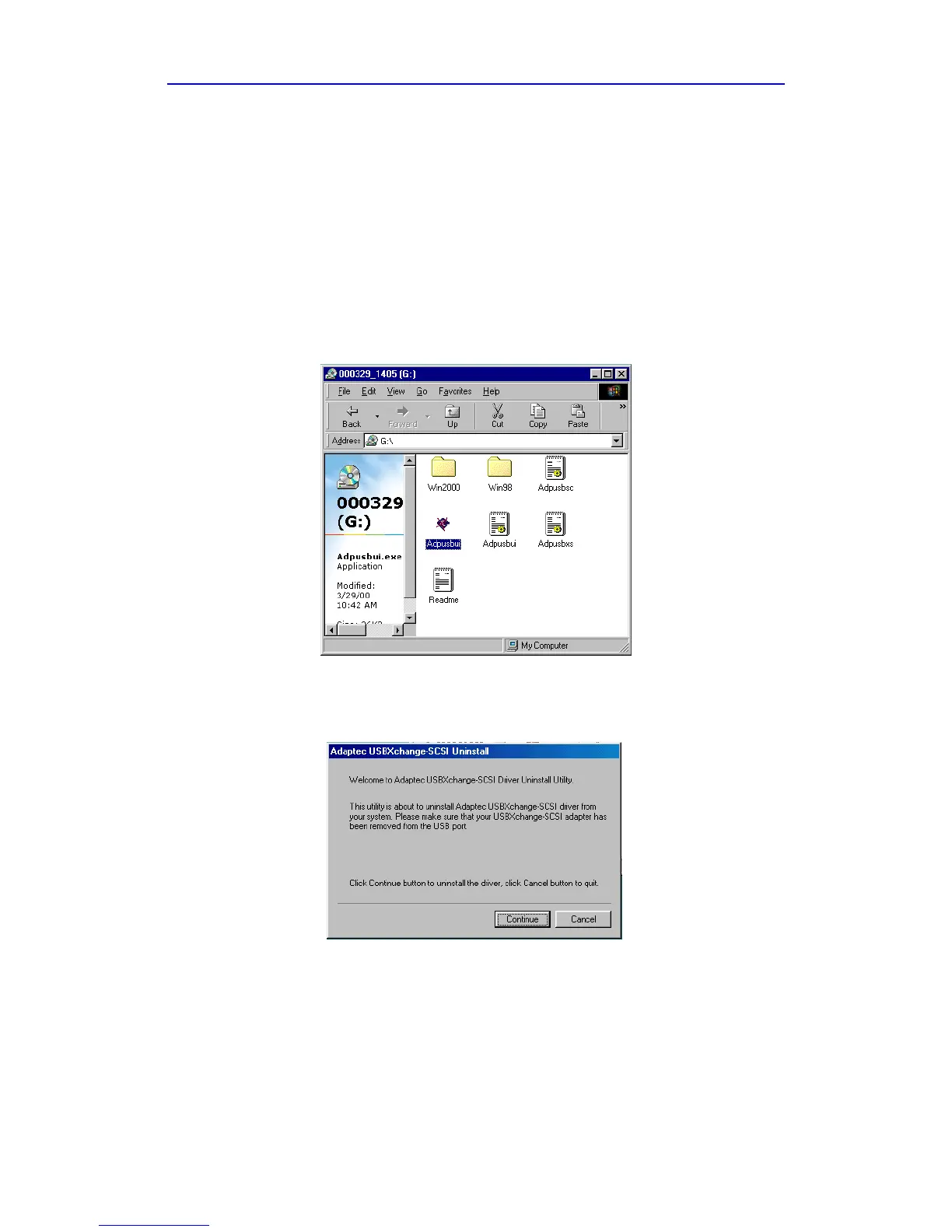
Follow these steps to uninstall your USBXchange driver:
1 Remove the USBXchange from the USB port of your system before
running the device driver Uninstall utility.
2 Insert the USBXchange Installer CD into the CD-ROM drive.
3 On your desktop, double-click on the My Computer icon, point the
cursor on your CD-ROM drive icon and double-click again.
4 Double-click on the Adpusbui.exe file.
5 Click the Continue button on the next Windows dialog box.



 To Next Page