User’s Guide: USB
Xchange
•
15
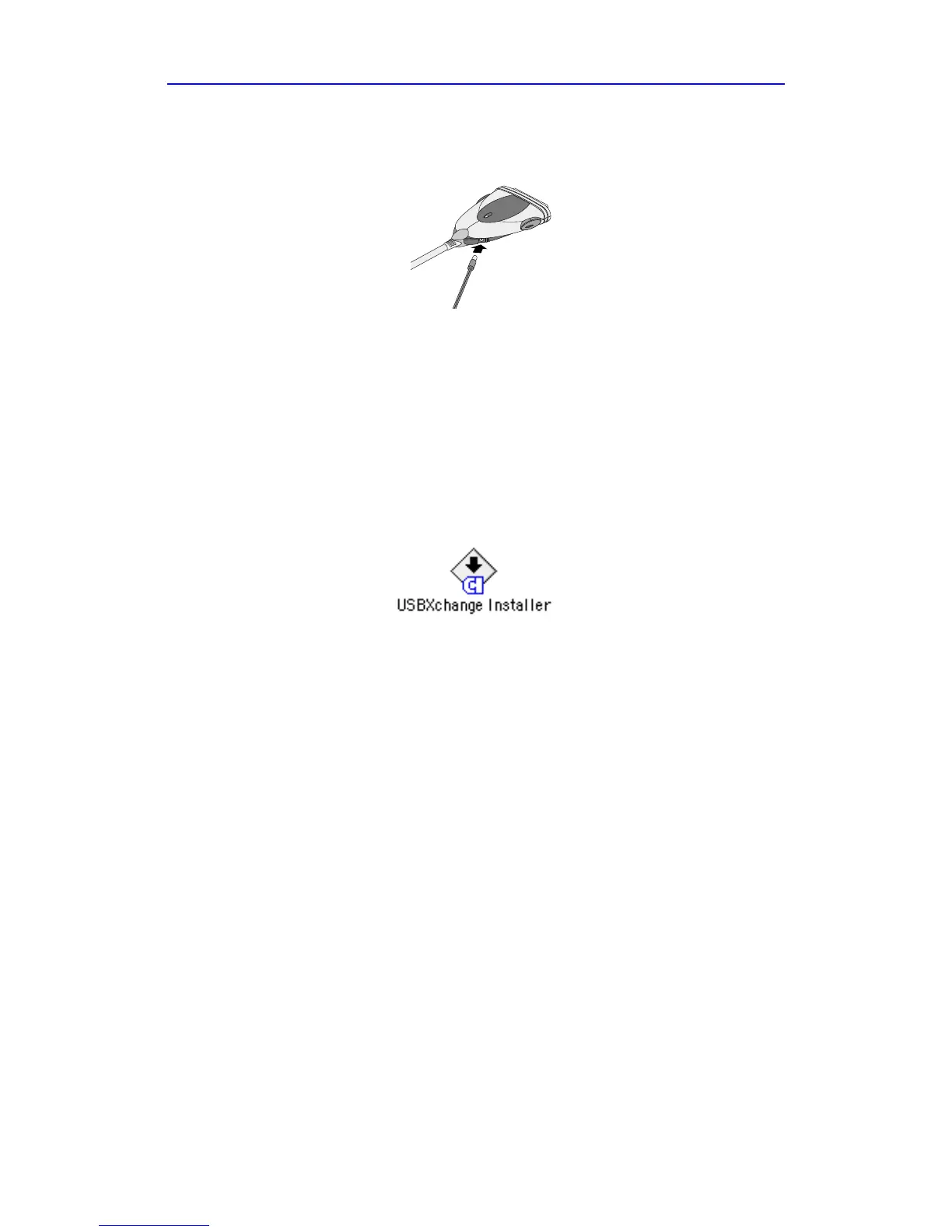
Your external DC power jack can be plugged into the DC input jack
connection located on the side of the USBXchange.
Installing the USB
Xchange
on a Macintosh
Installing the Driver Software
1 Power up your Macintosh and insert the enclosed USBXchange
Installer CD-ROM in the CD-ROM drive.
2 Double-click on the USB
Xchange
Installer application:
3 Follow the instructions displayed on the screen.
4 After installing the driver software, restart your Macintosh, then
proceed to the instructions on connecting SCSI devices to the
USBXchange.
Note: The USBXchange should be disconnected from the computer
before following the instructions for Connecting a SCSI Device
on page 16.
Connect a DC power
jack to the USBXchange
if you need an external
power supply



 To Next Page