User’s Guide: USB
Xchange
•
14
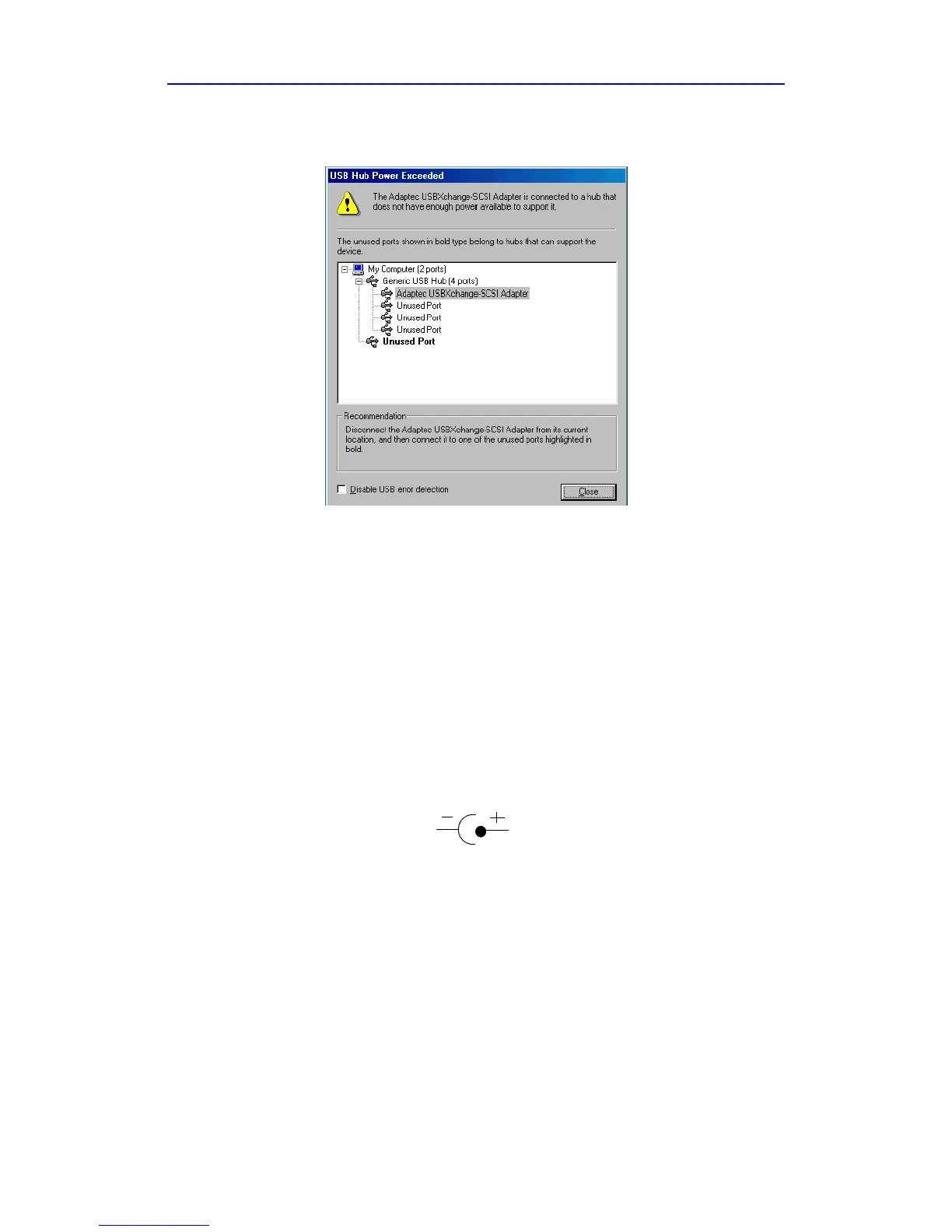
If you click Yes , you may receive this message:
You can try either of the following to correct the problem:
♦ Unplug the USBXchange and plug it directly into another USB port
on your computer or into a self-powered hub that is connected to
your computer.
♦ Connect an external DC power supply to your USBXchange.
External DC Power Supply
If you need an external power source, the USBXchange can use a DC
power jack with 4.5V–9V output voltage and minimum 500 mA output
current.
Note: Adaptec recommends that you use only UL approved power
supplies. For updated information on recommended power
supplies, see the Read Me file located on the USBXchange
CD-ROM.
Polarity:



 To Next Page